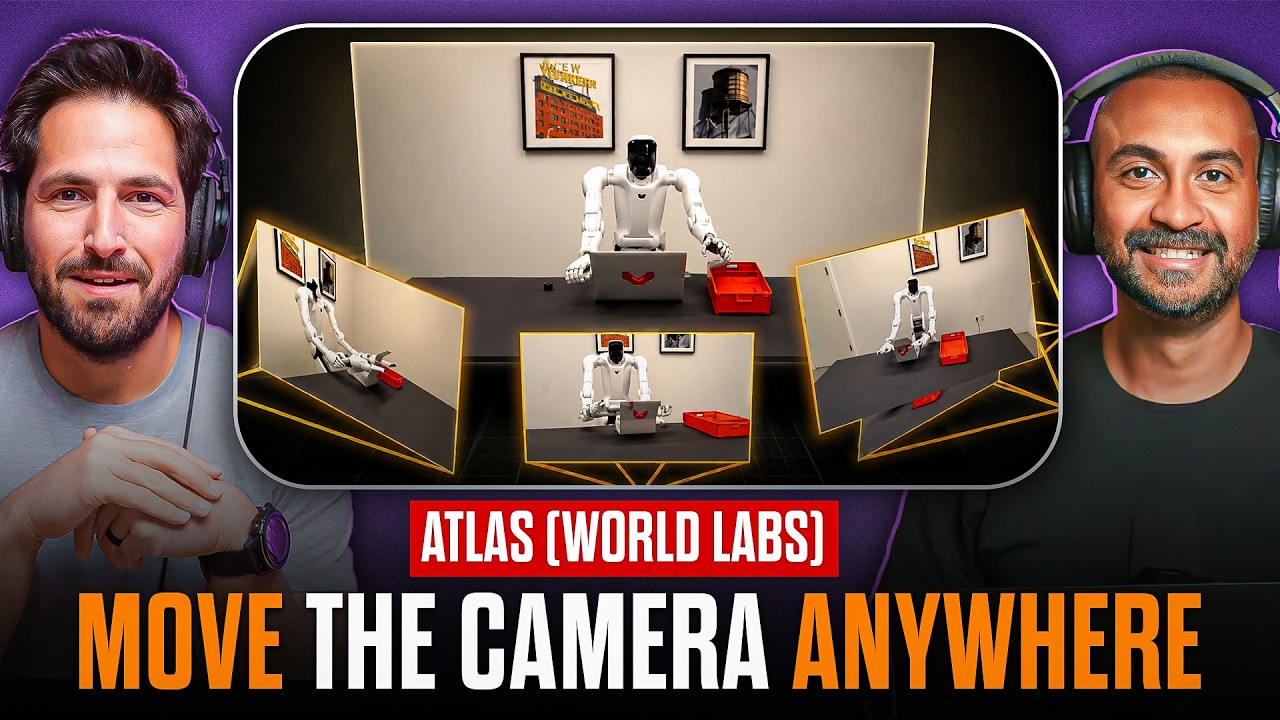
Addy and Joey break down a fast-moving batch of AI releases that matter to filmmakers and creators. The headline is Wan 2.6 — a major commercial push toward higher-fidelity, longer-duration synthetic footage and native audio. After that, the hosts run through ChatGPT Image 1.5, Seedance 1.5 Pro, Kling’s animator improvements, Qwen’s new layered image tool, Luma’s latest Modify feature, and a few smaller but practical tools that fit into real production workflows.
Wan 2.6: commercial-only, longer clips, and native AV sync
Joey opens with Wan 2.6, which marks a clear split in the Wan family: earlier branches like Wan 2.2 remain open-source and locally runnable, while 2.6 is a commercial-first release accessed only via API or hosted servers. The upgrade targets consistency across shots, multi-shot narrative generation, and native audio outputs.
The hosts call out a few practical specs: the model can produce up to 15 seconds at 1080p (with demos pushing to 30–50 seconds in some cases), supports multi-image and multi-video references for character and object fidelity, and claims native AV sync with multispeaker dialogue and lip sync. Joey and Addy are skeptical of marketing language like "studio quality audio" but acknowledge that built-in audio generation removes a common friction point in AI-driven production pipelines.
A useful technical takeaway concerns scale. Wan 2.6 is likely large enough that it must be sharded across multiple GPUs, which means these hosted models are inefficient to run on small setups and thus better suited as API services. That has direct implications for production budgeting: expect latency and cost considerations when integrating these higher-capacity models into daily workflows.
Why so many models are API-only
The hosts unpack the hardware reality behind the API shift. As models balloon in size they often exceed a single GPU’s VRAM and are split across multiple GPUs. That split creates synchronous wait states where each GPU must complete its part before the next can proceed, reducing overall utilization. For filmmakers and tool-builders that means fewer models will be feasible to run locally at full fidelity, and more will be consumed as hosted services with usage-based pricing.
ChatGPT Image 1.5: improved instruction-following and edits
ChatGPT Image 1.5 gets a quick review. The hosts describe it as a leap toward 2025-level image quality while still carrying a faint "AI sheen" in highly photorealistic cases. Where it stands out is prompt adherence: removal, replacement, and image editing tasks often work well on the first pass. Joey suggests a practical workflow pattern: use this generation pass for composition and instruction fidelity, then push the output through a detailer or enhancer model (the so-called detailer pass) if absolute photorealism is required.
Blazar lenses: an aside that matters to filmmakers
The hosts flag a new Blazar anamorphic lens that captures the stretch and flare of traditional anamorphic glass without the extreme aspect-ratio crop. For filmmakers this is a reminder that optical tools still matter in mixed workflows — use practical glass when you want a physical look that AI is still trying to replicate convincingly.
Seedance 1.5 Pro: native audio and regional bias
Seedance 1.5 Pro is on the list, though not fully rolled out into all platforms at the time of recording. The major additions mirror industry trends: native audio generation and improved "film-grade" cinematography and visual quality. The hosts call attention to a non-technical but important creative issue — dataset bias. Because Seedance is built by a company with significant content from Asia, it tends to default toward Asian subjects and environments. That can be a useful bias if the story calls for it, but it also means prompt authors must be explicit about cast and setting when producing content for different markets.
Kling 2.6: actor performance tracking and longer shots
Kling’s updates earn enthusiastic coverage. Kling 2.6 adds actor performance tracking so a reference clip can drive a generated character’s performance. The hosts note clear improvements over earlier animate-focused releases: better hand-to-face registration, improved cloth wrinkles, and longer single-shot outputs (up to 30 seconds in some demos). Kling stays interesting because it simplifies human performance capture to animation — a practical feature for teams that want to preserve some of the nuance of a performance without full mocap rigs.
They also emphasize a persistent limitation: face micro-expressions and subtle emotional nuance still get flattened in many pipelines. That matters for filmmakers trying to preserve nuance in a generated performance; raw large gestures may transfer well, but subtle facial cues remain a challenge.
Qwen-Image-Layered: automatic segmentation for practical compositing
Qwen-Image-Layered is one of the most immediately useful releases for production workflows. The model takes an existing image, segments it into multi-layer elements, and fills in missing areas behind foreground objects. The output is a layered file that can be brought into Photoshop, compositing tools, or After Effects for parallax, partial animation, or character swapping.
This is a practical bridge between single-frame generation and multi-layer compositing. For virtual production and social media assets it enables a quick path from a concept render to a parallaxed deliverable — think animated backgrounds, fluttering flags, or layered depth for web ads.
Luma Ray3 Modify: higher dynamic range plus video-to-video edits
Luma moves its Ray3 model into the Modify pipeline. Ray3 was notable for higher dynamic range and 4K outputs; adding a modify feature means teams can feed an existing clip into the newer model and make targeted edits. This is the kind of capability that sits directly in a postproduction toolkit: change lighting, swap characters, or transform scenes while retaining the original camera motion and framing.
Joey points out that Luma and similar tools are starting to offer convergent features — character swaps, environmental edits, and localized temporal adjustments — that used to require complex VFX stacks.
Decart Lucy Motion: click-and-drag motion control
Decart’s Lucy Motion surfaced as a precise motion-control tool. The demo shows arrows and handles that define movement for elements within a frame. The hosts are measured in their reaction: this kind of direct manipulation is useful when a specific motion is required, but chaining many models together can degrade fidelity. Practical workflows will likely absorb such motion tools into a single platform rather than round-tripping through multiple services.
The bigger point is UI-driven control: less prompt-engineering and more direct manipulation is a natural next step for many teams, whether that takes the form of bezier speed ramps, dotted paths for timing, or multi-point motion curves.
Closing note
The episode closes with a reminder: the pace of releases isn’t slowing, and the practical question for creative teams is less about which single model is best and more about how to compose toolchains that preserve performance nuance, control costs, and fit established postproduction workflows. The week brought useful, production-minded features worth testing on real projects.