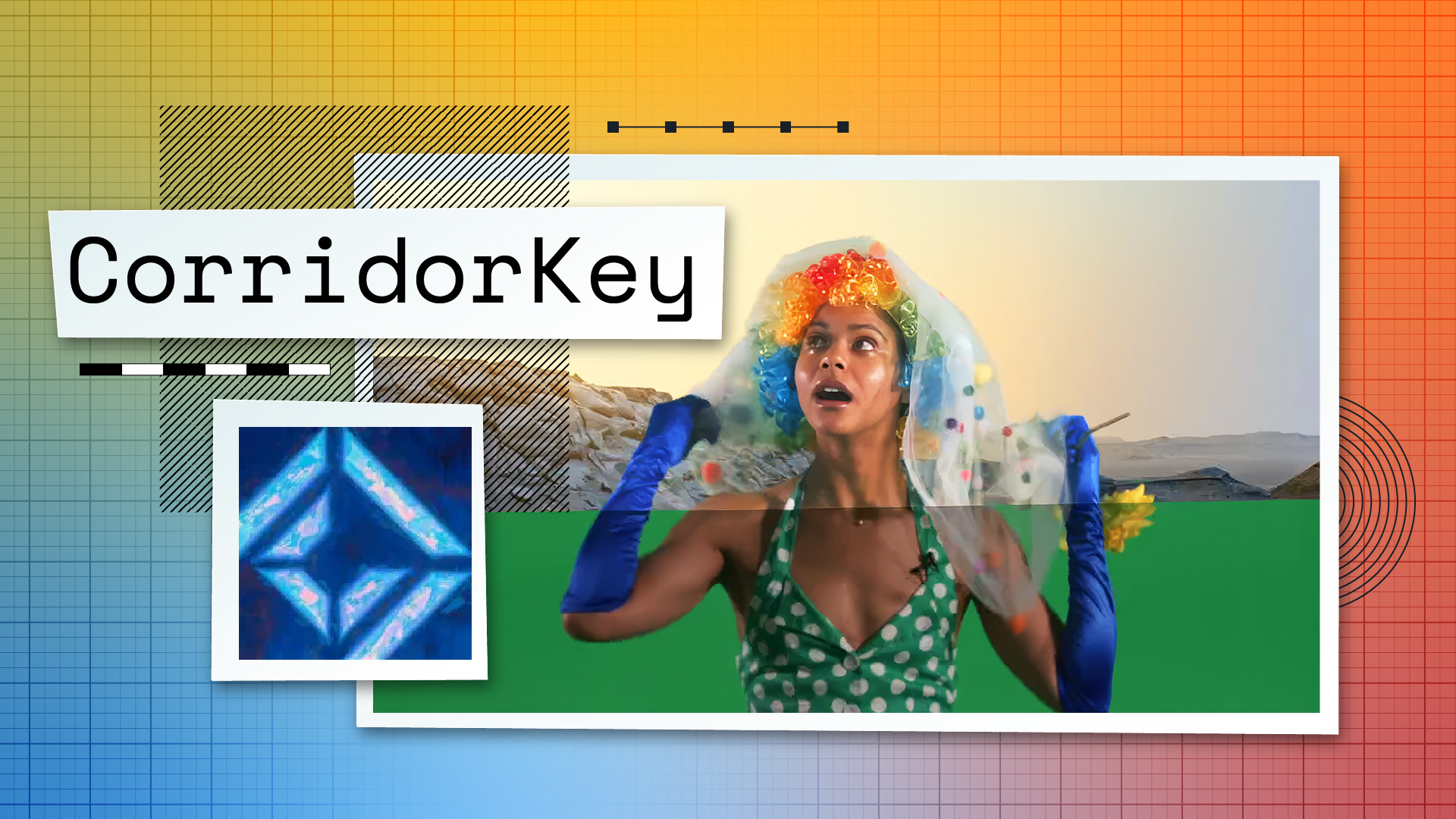
Niko Pueringer (Corridor Crew) released CorridorKey, an open-source neural network tool that solves the fundamental problem of green screen keying: unmixing foreground color from background spill. The tool reconstructs the true color and transparency of every pixel, even motion blur and out-of-focus edges, without the manual rotoscoping or complex edge mattes traditional keyers require.

Key capabilities: Physically accurate color unmixing with straight color and linear alpha channels. Resolution-independent inference handling 4K plates. Native 16/32-bit EXR output for Nuke, Fusion, and Resolve. Automatic cleanup of tracking markers and background artifacts.

The Green Screen Problem

When you film against a green screen, the edges of your subject inevitably blend with the background. This creates pixels that are a mix of subject color and green screen color. Traditional keyers struggle to untangle these colors, forcing VFX artists to spend hours building complex edge mattes or manually rotoscoping. Even modern AI roto solutions typically output a harsh binary mask, destroying the semi-transparent pixels needed for realistic compositing.

CorridorKey solves this unmixing problem by predicting, for every single pixel, the true un-multiplied straight color of the foreground element alongside a clean linear alpha channel. It doesn't guess what is opaque and transparent; it actively reconstructs the color of the foreground object as if the green screen was never there.

How It Works

The tool requires two inputs: the original RGB green screen frame and a coarse alpha hint (a rough black-and-white mask isolating the subject). The neural network then separates the foreground from the background, preserving hair, motion blur, and translucency that traditional keyers destroy.

CorridorKey includes optional modules for generating the alpha hint automatically. GVM (Generative Video Matting) works completely automatically and performs exceptionally well on people but can struggle with inanimate objects. VideoMaMa requires you to provide a rough mask hint but delivers more controllable, spectacular results.

The engine outputs four passes:

  • Matte: Raw linear alpha channel (EXR)

  • FG: Raw straight foreground color (sRGB gamut, requires manual conversion to linear before compositing)

  • Processed: RGBA image with linear foreground premultiplied against linear alpha (ready for quick preview in Premiere or Resolve)

  • Comp: Preview of the key composited over a checkerboard (PNG)

Hardware Requirements and Optimization

CorridorKey demands significant GPU resources. Running inference natively at 2048x2048 requires approximately 22.7 GB of VRAM, meaning you'll need at least a 24GB GPU such as an RTX 3090, 4090, or 5090. The tool was designed and built on a Linux workstation equipped with an NVIDIA RTX Pro 6000 with 96GB of VRAM and is not yet optimized for sub-24GB systems.

The optional modules push requirements even higher. GVM requires approximately 80 GB of VRAM using massive Stable Video Diffusion models. VideoMaMa originally required 80GB+ but the community has tweaked the architecture to run at less than 24GB, though those extreme memory optimizations haven't yet been fully implemented in the main repository.

Pueringer recommends running CorridorKey on a secondary GPU not driving your OS or displays, or on a rented cloud instance like Runpod or Google Colab to avoid out-of-memory errors.

Installation and Workflow

CorridorKey uses the uv package manager, which handles Python installation, virtual environments, and dependencies in one step. Windows users get an automated .bat installer. Linux and Mac users manually run uv sync after cloning the repository, then download the model weights from HuggingFace.

The workflow is drag-and-drop simple. You drag a video file, shot folder, or batch folder onto the launcher script. The wizard detects what you've provided, optionally organizes your clips into the proper structure, generates alpha hints if needed, and prompts you to configure the run (gamma space, despill strength, auto-despeckle threshold, refiner strength). The engine then processes and outputs the four passes.

Open-Source License and Community

CorridorKey is released under a variation of the Creative Commons Attribution-NonCommercial-ShareAlike 4.0 International License. You can use it for commercial projects, but you cannot repackage and sell it, and any variations must remain free and open source with the CorridorKey name included. Offering inference as a paid API service is prohibited, though commercial software packages can contact Corridor Digital to work out an agreement.

Pueringer invites community contributions and feedback on the Corridor Creates Discord. The project includes unit tests for the color math and compositing pipeline, and developers can access detailed architecture documentation in the /docs/LLM_HANDOVER.md file.

What This Means for VFX Workflows

CorridorKey addresses a foundational pain point in green screen work. For artists working in Nuke, Fusion, or Resolve, the tool eliminates hours of manual edge refinement by delivering physically accurate color separation from the start. The resolution-independent engine scales to 4K without sacrificing the 2048x2048 high-fidelity backbone, and native EXR output preserves color math through the compositing pipeline.

The hardware barrier is real. The 24GB VRAM requirement limits adoption to artists with high-end GPUs or cloud access. But for studios and freelancers with the hardware, CorridorKey offers a significant efficiency gain over traditional keying workflows. The open-source model means the community can optimize for lower VRAM systems, extend the tool's capabilities, and integrate it into existing pipelines without licensing friction.

Reply

Avatar

or to participate

Keep Reading