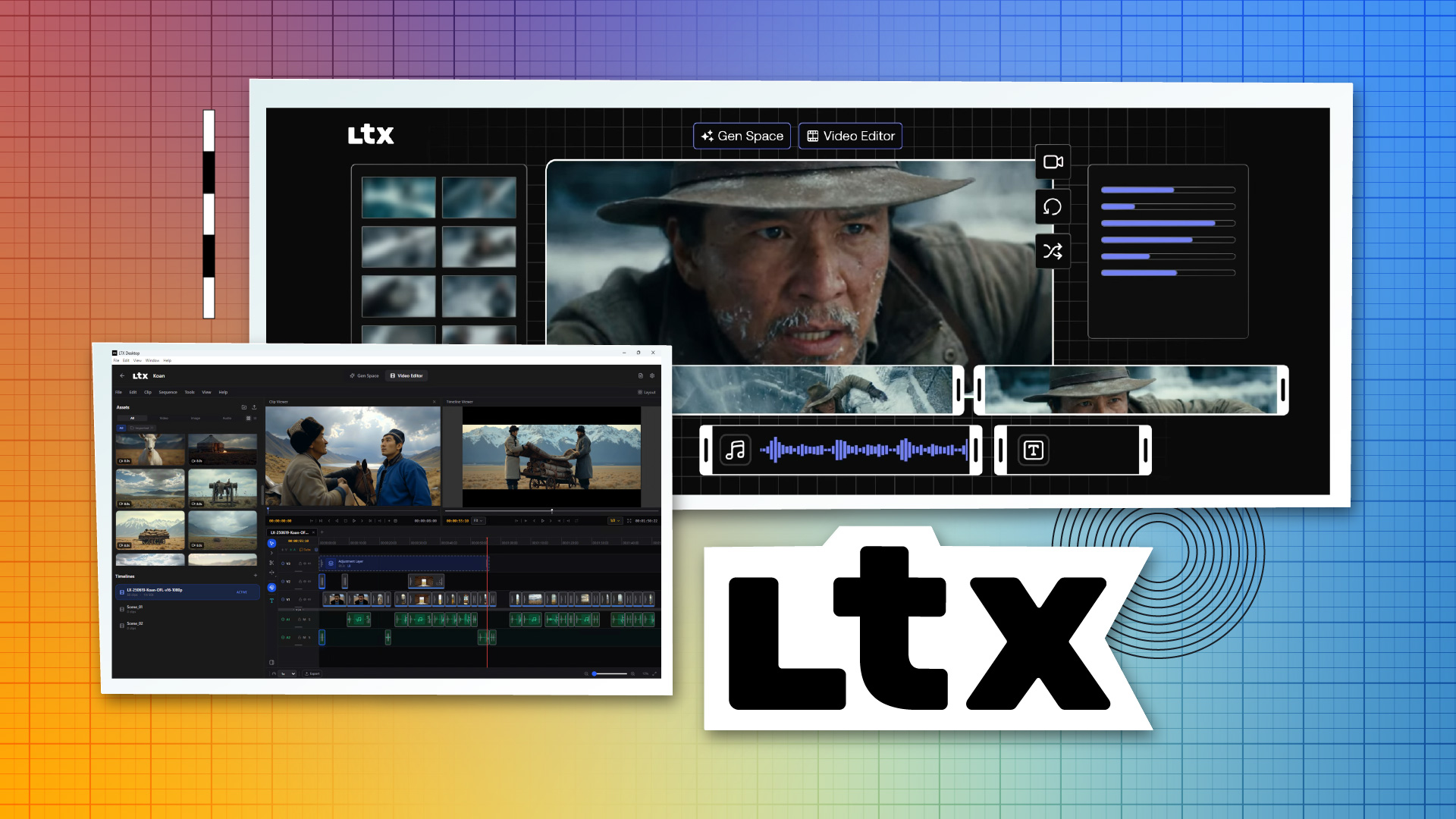
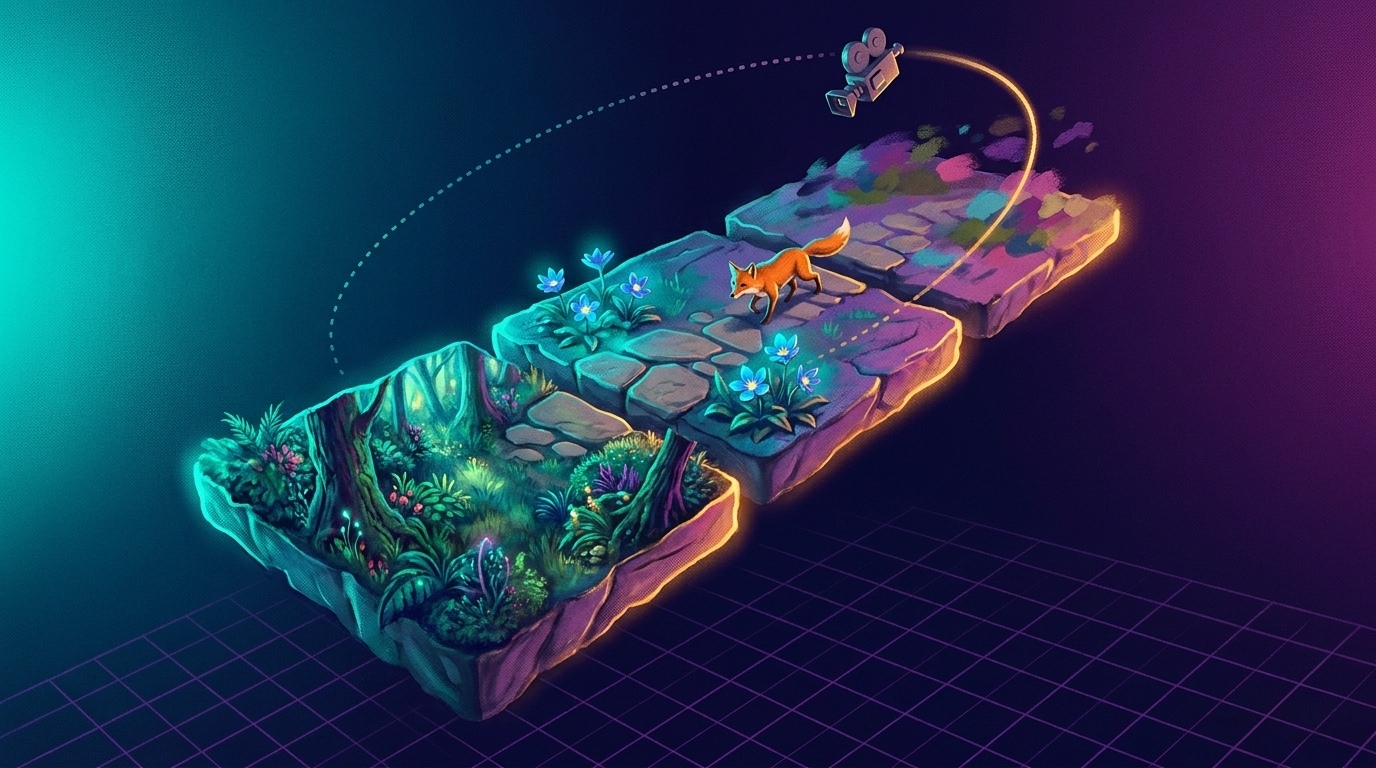
Video edit generation (Retake). Re-generate specific segments within an existing video.
Video Editor Interface. Edit, trim, and manage video projects within the app.
The video editor allows you to organize clips into projects, manage timelines, and apply edits without leaving the application.
API-Only Mode for macOS and Unsupported Windows
Machines without the required GPU hardware fall back to API-only operation. This includes:
macOS (Apple Silicon). Requires macOS 13+ (Ventura) and a stable internet connection.
Windows systems without CUDA, with <32GB VRAM, or with unknown VRAM. Requires an LTX API key.
In API-only mode, available resolutions and durations may be limited to what the LTX API currently supports.
Text Encoding: Free via API, Optional Locally
To generate videos, you must configure text encoding. Lightricks offers two paths:
Cloud text encoding (recommended): Generate a free API key at the LTX Console. Text encoding via the API is completely free and recommended to speed up inference and save memory. This is the path most users will take, even on local Windows hardware.
Local text encoding: On supported Windows hardware, you can optionally download and run the text encoder locally, eliminating the need for an API key entirely. This requires an additional download and is not enabled out of the box.
Pricing and API Usage
The app itself is free and open-source (Apache-2.0 license). API usage breaks down as follows:
On Windows local mode with local text encoding enabled, you can generate videos entirely on your GPU with no API costs. Without local text encoding, you'll use the free cloud text encoding service but still generate videos locally.
Architecture: TypeScript, React, Electron, Python
LTX Desktop is built in three layers:
Frontend (Renderer). TypeScript and React UI communicating with the backend over HTTP.
Main process (Electron). TypeScript Electron main process handling app lifecycle, file dialogs, native video export via ffmpeg, and Python backend process management.
Backend (Server). Python with FastAPI orchestrating generation, model downloads, and GPU execution.
The renderer runs in a sandboxed context (contextIsolation enabled, nodeIntegration disabled). The backend calls external APIs only when API-backed features are used.
Beta Status and Active Development
LTX Desktop is in beta, and Lightricks explicitly warns to expect breaking changes. The frontend architecture is under active refactor, and large UI pull requests may be declined during this period. The project is open-source on GitHub, and contributions are welcome under the guidelines in CONTRIBUTING.md.
What This Means for Local Video Workflows
LTX Desktop fills a specific niche: creators with high-end NVIDIA hardware can now generate videos locally without cloud dependency, while everyone else gets a unified interface to the LTX API. The inclusion of audio-to-video and video editing capabilities in a single app positions LTX Desktop as a complete video creation tool, not just a generation engine.
We covered Lightricks' LTXV model breaking the 60-second barrier in AI video generation. LTX Desktop represents the company's push to make that technology accessible as a desktop-first application. True local operation requires significant GPU investment.
For Windows creators with the hardware, this enables on-device video generation. For everyone else, it's a polished interface to a capable API.