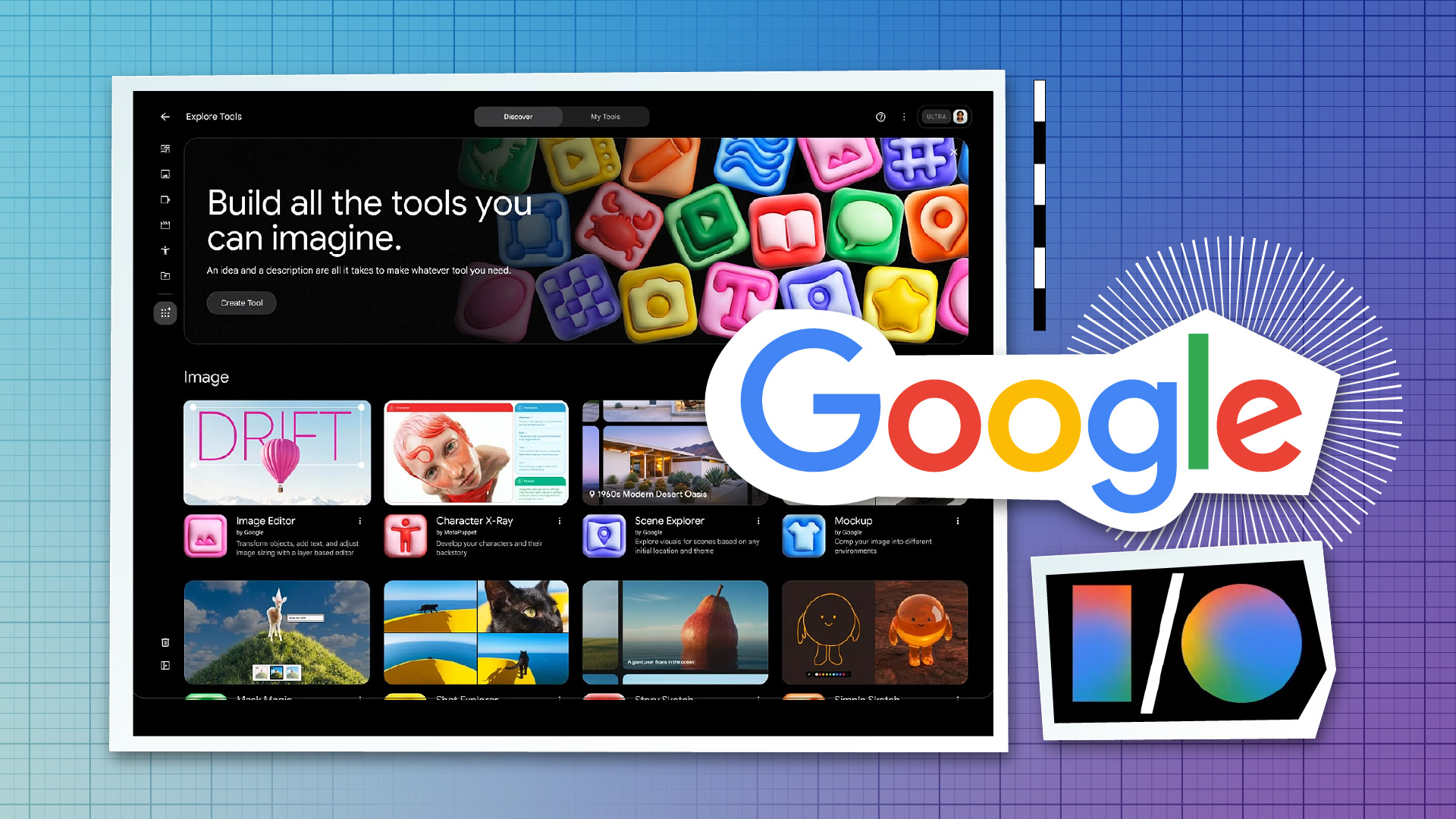
Google's examples include tools for:
designing video effects
hand-drawn animations
layering text
The concept is natural-language-driven tool creation: you describe what you need, and the agent assembles something usable without you writing code. Think of it as spinning up a micro-tool purpose-built for a single project or sequence — a rough animatic generator calibrated to your storyboard style, an overlay tool mocked up for your show's lower-third treatment, a filter preset for testing a specific visual tone before committing it to your main pipeline.
According to coverage from PCMag's I/O live blog, Flow now supports multiple actions and complex edits alongside these vibe-coded tools, which suggests the editing layer and the tool-building layer are designed to work together.
For working creatives, the appeal is speed-to-prototype:
Generate and test a look before touching After Effects or Nuke
Build a text-layering template with your show's brand rules baked in, without wrangling software you don't have access to
Iterate on motion language or animation style quickly, then hand off to whoever implements it at production level
What's not yet clear is how these tools surface (are they code cells, custom panels, templates?), whether they're shareable across teams and reusable across projects, and whether there are export paths into Premiere, Resolve, or any other NLE. That's the gap that will determine whether Flow Tools stay in the concept lab or start showing up in real pipelines.
Where Flow Sits in Google's Wider Media Push: Google has been building agentic AI into professional media tools on two parallel tracks — and Flow is the one Google owns outright.
Both of those strategies are about meeting professionals where they are — inside Avid, inside ComfyUI, inside cloud infrastructure they're already paying for.
Flow is a different bet: Google building its own creative environment and making it smart enough to earn a seat at the table alongside those tools. The Flow agent is what Google believes can justify that position. Where Avid + Google handles augmenting traditional editorial, Flow is pitched as the place to incubate new projects, looks, and workflows from scratch — now with an agent that can help architect those workflows as you go.
Whether a standalone AI studio can coexist with established DCCs and NLEs in a real production — or ends up siloed as a development and pitching environment — is still an open question.
The Two-Type Agent Test: If you've been tracking the AI agent space in creative tools, most implementations fall into two categories:
Task agents — contained, single-function actions like auto-tagging shots, cleaning up dialogue, or generating B-roll for a specific beat. Most of what Google's Avid integration demos show lives here.
Orchestration agents — agents that plan, delegate, and coordinate across a longer project arc. Flow's new agent is pitched in this direction: reasoning about what comes next, maintaining project context, and helping you define and build the tools you'll use.
The honest answer is that orchestration agents are much harder to get right — especially when projects get messy and real, with conflicting drafts, evolving briefs, and multiple collaborators pulling in different directions. Until there's hands-on user footage and case studies from actual productions, Google's claims here are intent, not proof.
Getting Into the Frame: Flow's agent update is worth paying attention to — particularly if you're building out a pre-production or visual development process and want a workspace that can hold the full shape of a project over time, not just respond to isolated prompts.
The near-term use case is clearest as a concept and development lab: a place to structure creative briefs, test visual directions, rapidly prototype tools for a specific campaign or series, and think through production planning before things get locked. If Google closes the integration loop — surfacing Flow-built tools in ways that talk to Avid, Adobe, Unreal, or cloud asset systems — it becomes something more central. For now, Flow is evolving from AI-assisted brainstorming toward agent-assisted creative production, and this I/O update is a meaningful step in that direction. The next step is seeing it hold up under the weight of a real project.