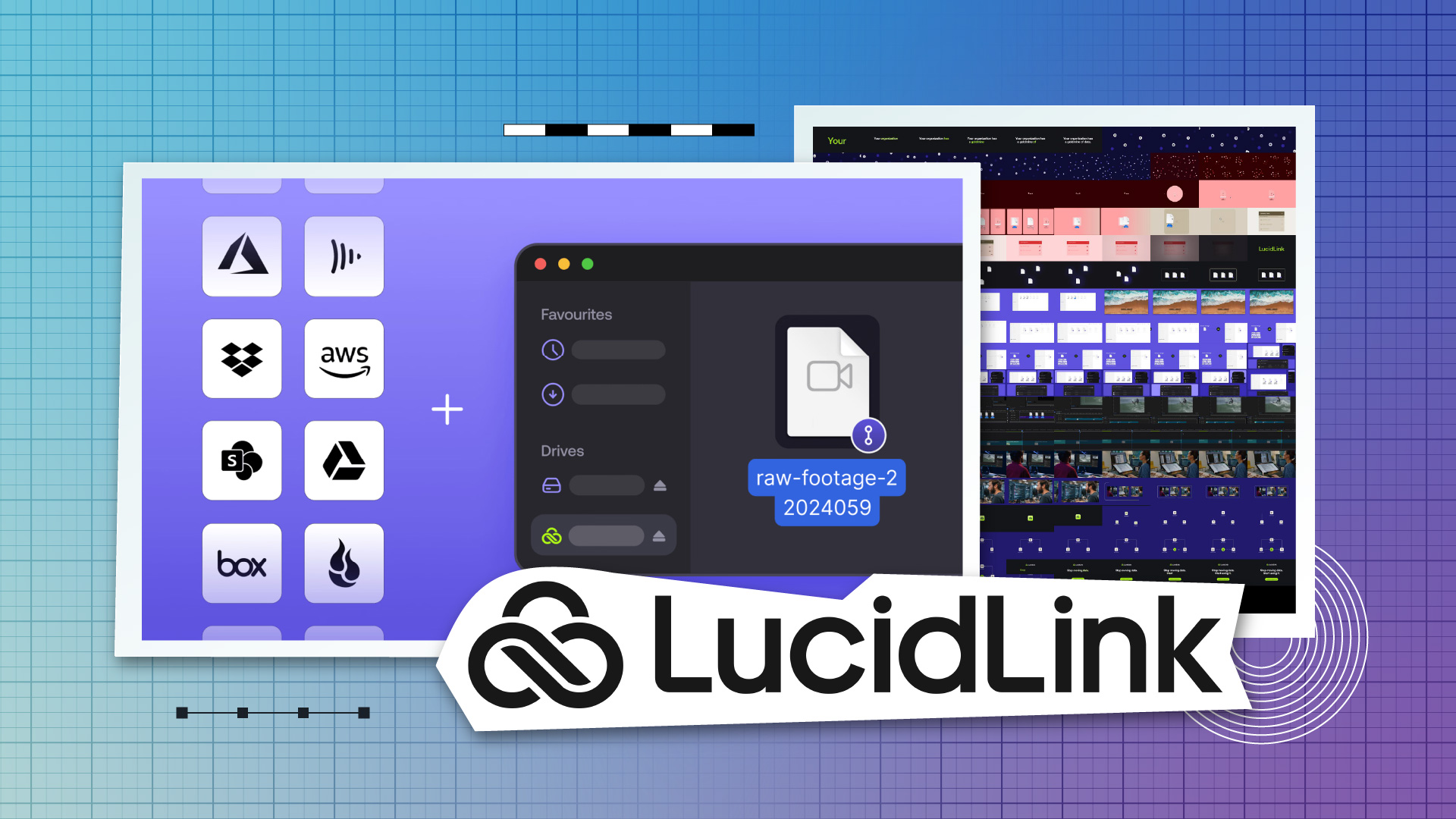
The Frame.io connector lands squarely in territory Adobe has been staking out with Frame.io Drive, which mounts review-and-approval projects as local folders on an editor's machine. LucidLink's version flips the framing: rather than Frame.io becoming a virtual drive on one workstation, Frame.io becomes one of several streamable sources inside a shared filespace that a whole team is already collaborating in.
For post teams who have been wiring around both tools, Connect is an argument for consolidating the "where the files live" question into a single mount point. We previously covered Strada's multi-cloud bridge, which attacked the same fragmentation problem from the orchestration side.
Filespace, Guest Access, and Mobile
Connect sits alongside updates to the rest of the LucidLink platform:
Filespace now includes Guest Access, aimed at bringing outside collaborators like vendors, agencies, and freelance editors into specific folders without full seat provisioning.
LucidLink Mobile targets on-set and field teams who need secure access to project media from a phone, including dailies checks and location workflows.
TeamCache, the on-premises performance layer, continues to handle office-wide caching at local network speeds.
The Guest Access addition is the piece most likely to reshape day-to-day post workflows. Invite-only access to a specific filespace folder is how many teams already wish Frame.io review links behaved.
Developer Platform and SDK
LucidLink is also opening up a Developer Platform with public APIs and a beta SDK, positioning the filespace as something studios and vendors can automate against rather than just mount. Expected targets include ingest automation, MAM hooks, custom review tooling, and pipeline glue between a studio's existing systems and whatever cloud the project happens to be living in.
For shops that have been scripting their way around LucidLink with FUSE workarounds and scheduled syncs, an official SDK changes the support posture from fragile hack to documented integration.
What to Watch on the Show Floor
The real test for Connect is whether it holds up under the workloads post teams actually throw at it: a Premiere project open in one city, proxies streaming from S3, graded masters sitting in a Frame.io review, and a guest colorist pulling a single reel from SharePoint. If that scenario runs cleanly from a single mount, Connect becomes a serious piece of the "where does the media live" conversation for 2026. We covered AirFrame's remote editing approach when it tackled a narrower slice of the same problem through a Premiere panel rather than a filesystem.
Booth N2940 is where the claims meet the demo.