ComfyUI Demo Drives AI Video Camera Moves From a Blender Blockout, Synced to Music
VP Land
Nov 10, 2026 · 2 min read
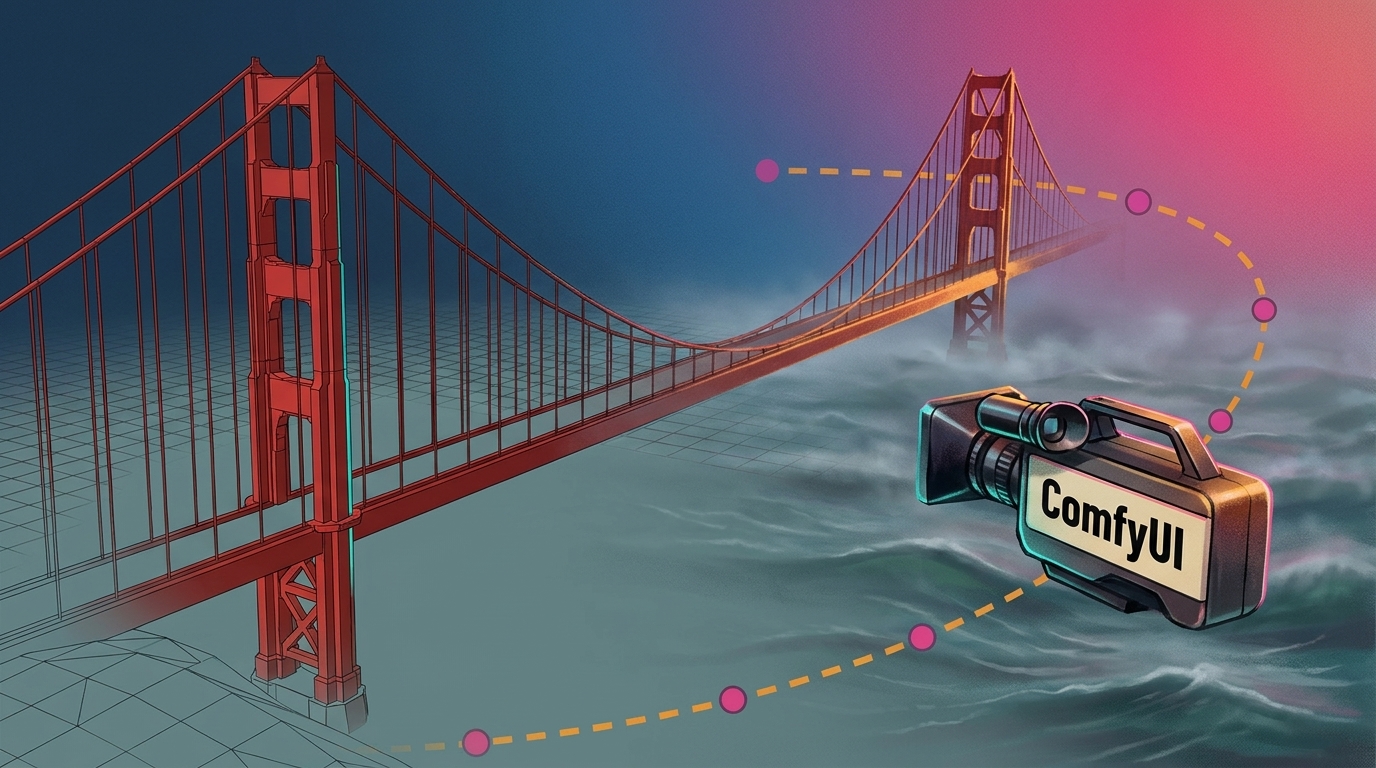
ComfyUI posted a demo on X in which a 3D blockout built in Blender drives the camera moves of an AI-generated video, timed to a music track. The camera path is set in a 3D scene first, and ComfyUI generates the final visuals over that motion.
The camera move comes from 3D. A rough scene built in Blender supplies the camera motion for the generated shot.
The moves are timed to music.Comfy Org, the company behind ComfyUI, presents the piece as camera movements synced to a music track.
The generated panel is labeled Seedance 2.5. The demo pairs a "Source Video" panel with a generated version marked "Seedance 2.5."
The prompt and workflow are in the thread. ComfyUI posted both below the demo.
The thread points to a hosted option. A follow-up post from ComfyUI links to Comfy Cloud, the browser-based version of ComfyUI.
A simple Blender bridge scene becomes a foggy, realistic sea shot
In the comparison frame from the demo, the "Source Video" panel shows a simple 3D red suspension bridge over flat water. The "Seedance 2.5" panel shows the same bridge as a foggy, realistic sea scene.
The "Source Video" blockout render beside the generated panel labeled Seedance 2.5. Image: X (formerly Twitter)
The blockout supplies the bridge and the flat water, and the generated panel renders the scene as a foggy, realistic sea. In this setup, a plain 3D render carries the camera motion, and the generation step supplies the finished look.
One reply in the thread, from the account Planos, called it out directly: "The previz workflow is the best for consistency."
The prompt and workflow are posted, but the post skips the sync method and specs
ComfyUI frames the result around camera movements synced to music, but the post itself does not explain how the timing was set or which nodes carry the camera guidance.
It also gives no clip length, resolution or render time, and no model settings beyond the Seedance 2.5 label on the demo. Anyone weighing the approach for production will need to work from the prompt and workflow ComfyUI says it shared below the post.
ComfyUI is described on its GitHub repository as a diffusion model GUI, API and backend with a graph and nodes interface.
Comfy Cloud offers the hosted route, with pre-loaded models and custom nodes
The link card in ComfyUI's follow-up post markets the hosted service with "Zero Setup, Powerful GPUs, Create anywhere."
On its Comfy Cloud page, Comfy describes the service as the easiest way to start with ComfyUI. The company lists these features:
Pre-loaded models
Pre-installed custom nodes
Concurrent jobs
The full ComfyUI running on Blackwell RTX 6000 Pros, opened in a browser tab
The post does not say whether the Blender-guided demo itself was rendered locally or on Comfy Cloud.
Filmmaker Albert Bozesan put Wan 2.2 Animate through its paces, testing its claim to transfer body and facial movements from real footage onto AI-generated images—specifically turning his office performance into a 1940s film