
About Clip Drop UpScaler
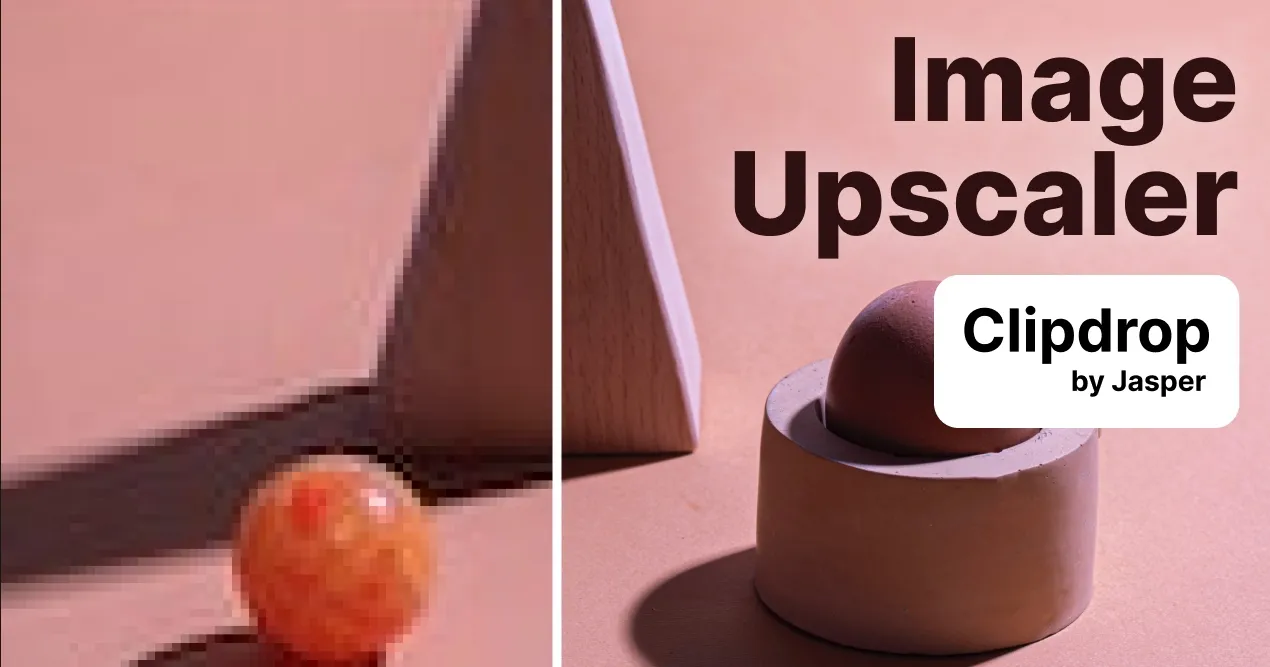
Clipdrop Image Upscaler is a browser-based AI tool designed to enlarge and enhance images while maintaining or improving visual quality. The tool uses intelligent upscaling algorithms to increase image resolution by 2x, 4x, 8x, or 16x, making it useful for photographers, designers, and content creators who need to repurpose low-resolution or compressed imagery.
The workflow is straightforward: upload or drag-and-drop up to 10 image files at once, select your desired upscaling factor, and the AI processes the enhancement in seconds. Beyond simple enlargement, Clipdrop simultaneously denoises images, sharpens details, and recovers clarity that was lost to compression or pixelation. This makes it particularly effective for salvaging screenshots, compressed photos, and low-quality source material that would otherwise be unusable at larger sizes.
Clipdrop is now part of Jasper, a broader generative AI platform, and integrates with Jasper APIs for programmatic access. The tool sits within a larger ecosystem of image editing features including background removal, object cleanup, uncropping, relighting, and text removal—all accessible from the same dashboard. This makes it viable for post-production workflows where multiple image enhancements are needed on the same asset.
The service operates on a web-based interface with no installation required, making it accessible to users across platforms. However, specific details about output resolution limits, file size caps, processing speed, and pricing tiers are not detailed in the available information. Video professionals considering this tool should verify API rate limits and licensing terms for commercial use before integrating into production pipelines.