
About Clipchamp
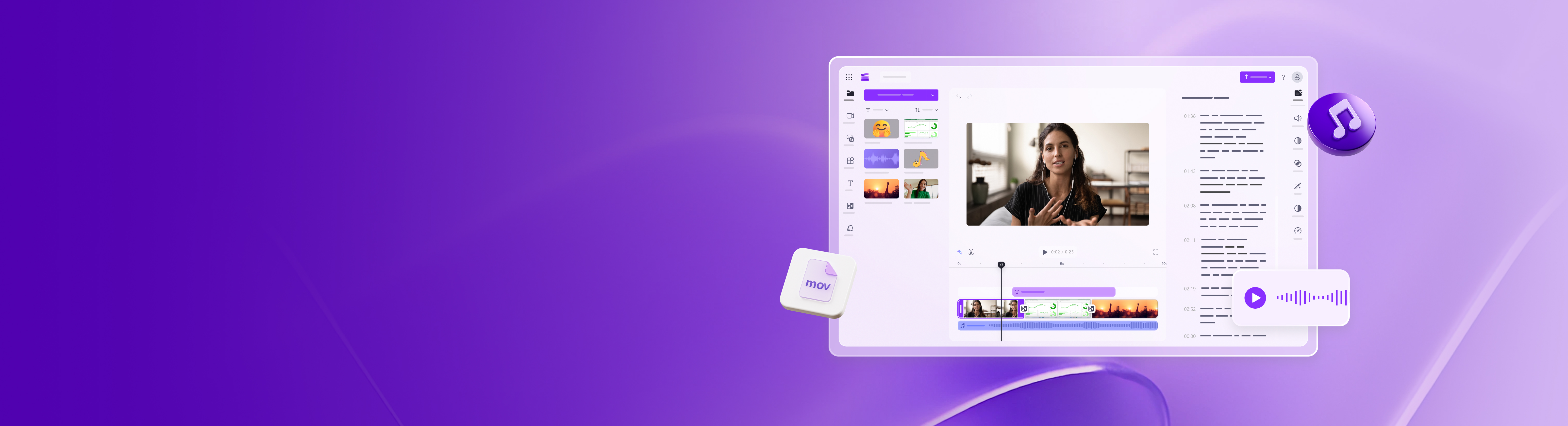
Clipchamp is a web-based video editor by Microsoft designed to make video creation accessible to users without technical expertise. The platform combines traditional editing tools with modern AI capabilities, allowing creators to record, edit, and publish videos entirely in-browser or through a dedicated Windows application.
At its core, Clipchamp handles the full video production workflow: you can record webcam, screen, and audio natively; trim, crop, and resize footage; layer in transitions and overlays; and add text, stickers, and GIFs. The AI toolset is substantial—it includes a text-to-speech voiceover generator supporting 80+ languages with customizable pitch and pace, an automated subtitle generator that transcribes and captions in over 80 languages, and AI audio enhancement that removes background noise, filler words, and unwanted pauses. The platform also offers AI background removal and a green screen tool for keying. Additional features include an audio visualizer, GIF maker, and brand kit tool for consistent styling.
Clipchamp targets multiple workflows: content creators making YouTube videos, TikTok/Instagram Reels, and shorts; teams producing promo and demo videos; educators creating instructional content; and gaming/meme video creators. The royalty-free content library provides stock video, images, music, sound effects, and stickers across multiple genres, reducing reliance on external asset sources. Export options go up to 4K resolution.
Key limitations to note: the platform is cloud-based (no offline editing), and while free and paid tiers exist, premium features and extended export options likely sit behind paywalls. Specific language support counts and exact AI model architectures aren't detailed. For professionals accustomed to frame-level precision in Premiere or After Effects, Clipchamp's streamlined interface may feel limiting, though it excels for fast social-media and corporate video turnarounds.