
About Craiyon
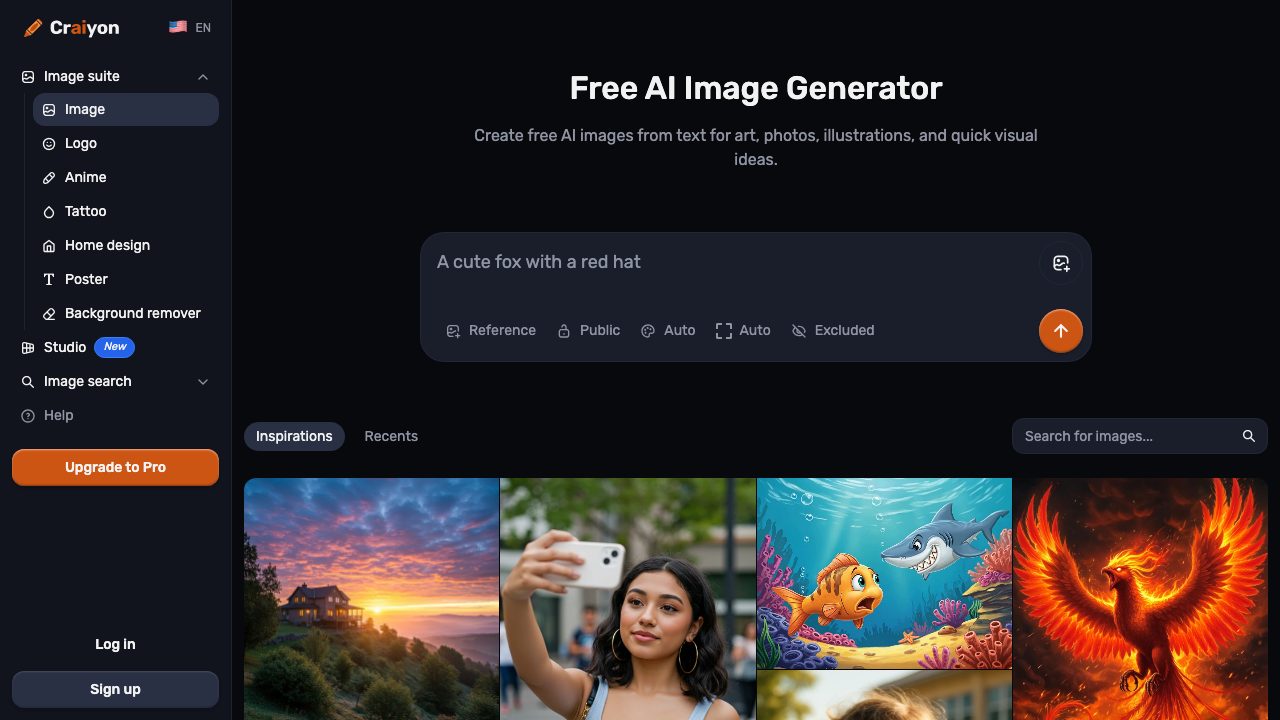
Craiyon is a text-to-image generator focused on accessibility and speed of ideation. Users type a prompt in the browser and receive a grid of generated images, making it easy to compare variations and iterate quickly. The product is positioned as a free AI image generator, and its own site describes it as transforming text descriptions into unique images in seconds.
The workflow is simple: enter a prompt, optionally refine with prompt guidance or negative terms, choose a style, and generate. Craiyon is useful for brainstorming, concept exploration, meme-style visuals, rough art direction, and casual content creation. It is especially appealing to users who want to experiment without creating an account or paying upfront, and it supports commercial use according to third-party review coverage citing the service terms.
Its biggest strength is accessibility: the free plan is unlimited, and the interface is straightforward for beginners. However, image quality is inconsistent, especially for detailed, realistic, or highly controlled outputs. The service is better suited to fast ideation than final production artwork, and paid plans mainly improve speed, remove ads/watermarks, and add higher-quality models and private generation rather than fundamentally changing it into a high-end professional image tool. No official desktop, mobile, plugin, or creative-suite integrations were confirmed in the sources reviewed.