
About Easyprompter
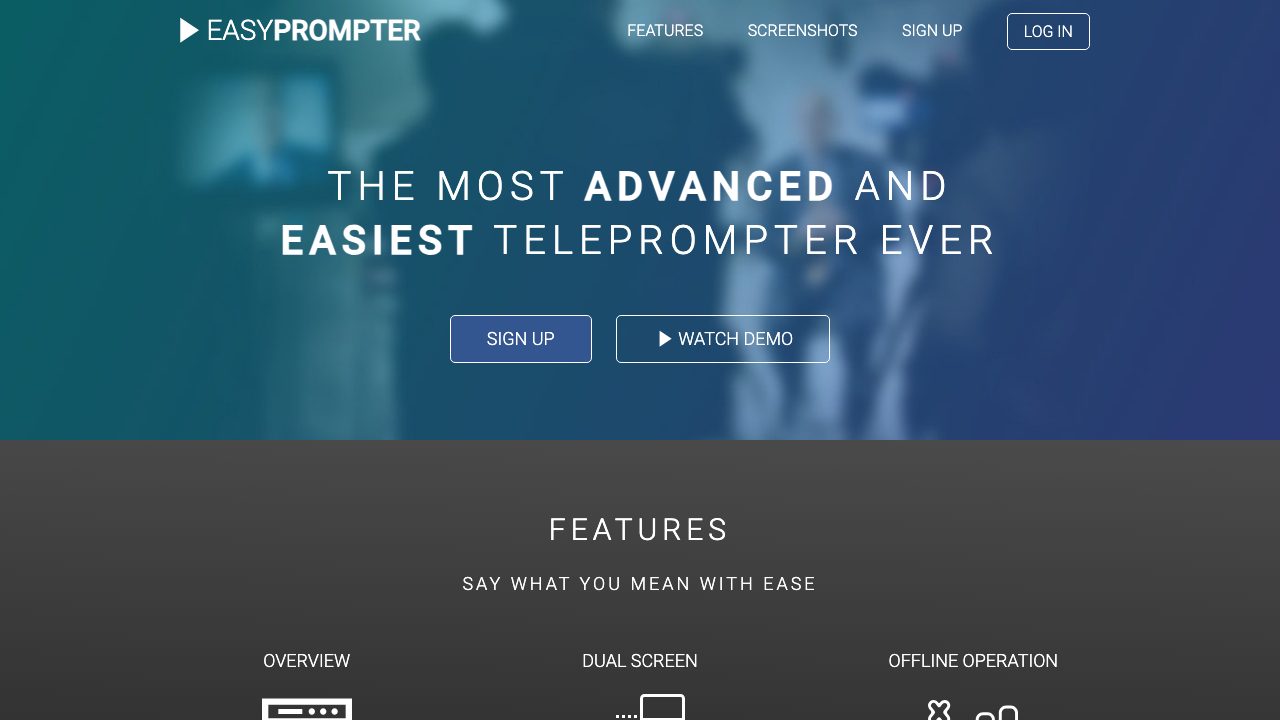
EasyPrompter is a web-based teleprompter application that turns any modern browser into a professional prompting system. Aimed at creators who need to deliver scripted content smoothly, it’s used across video production, webinars, public speaking, and corporate presentations. The core service runs directly in the browser with no plugins or downloads required, while the EasyPrompter Pro subscription unlocks extra functionality and an offline desktop app.
In practice, users either type scripts into the built-in editor or paste copy from documents. The editor supports basic formatting such as font color changes and highlighting specific sentences or phrases to aid delivery. Once a script is ready, clicking Start Prompter opens a dedicated presenter window that scrolls the text. During playback, on-screen controls and keyboard shortcuts give access to rewind, play/pause, forward, previous/next markers, reset, scroll speed, and text size adjustments. Pro users can also insert one‑second pauses, add markers throughout the script for precise navigation, and organize multiple scripts with search, sorting, and deletion tools.
A key strength of EasyPrompter is its flexibility in different setups. It supports single or dual-monitor configurations so you can mirror or flip text vertically/horizontally for use with beam-splitter teleprompter hardware. A timer overlay can be shown, and scroll behavior is configurable to match reading pace. With the Pro plan’s offline app, presenters can run scripts reliably even when an internet connection is unavailable. Another notable feature is remote control via smartphone: scanning a generated QR code lets a phone act as a wireless controller for starting, stopping, and adjusting scroll parameters. Custom keyboard shortcuts can be mapped, making it compatible with external keyboards and many generic control surfaces.
EasyPrompter is best suited to solo creators, YouTubers, educators, and small production teams that need a low-friction teleprompter solution without investing in dedicated hardware or complex software. It excels at straightforward text prompting and script management, especially in environments where browser access is guaranteed. However, it is not an AI tool and doesn’t provide automatic speech recognition, script generation, or tight NLE integrations; it also doesn’t output rendered video, serving purely as a text-on-screen prompting utility to use alongside your recording setup.