
About Filmora
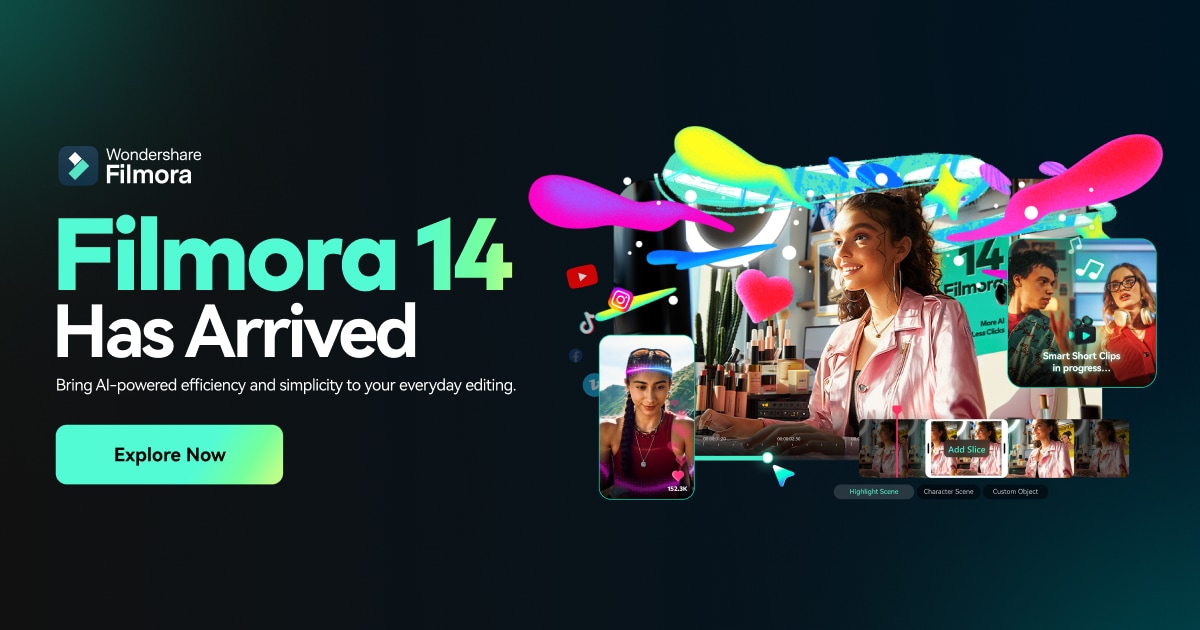
Filmora (often branded as Wondershare Filmora) is a consumer-friendly, AI-enhanced video editing suite available for Windows, macOS, iOS, Android, and via a browser-based workspace. Positioned between simple mobile editors and full professional NLEs, it lets users assemble clips, photos, screen recordings, and audio into finished videos with transitions, titles, effects, and AI-generated assistance for tasks like cutting, captioning, and visual clean-up. The interface is timeline-based with drag-and-drop editing, and it ships with a sizable library of stock music, sound effects, motion graphics, and filters.
Under the hood, Filmora combines traditional non-linear editing tools—multi-track timelines, keyframing, color correction, masking, stabilization, audio mixing—with a growing set of AI features. These include auto scene detection, AI Smart Cutout for removing backgrounds or objects, AI portrait/background blur, AI audio denoise and reverb removal, speech-to-text captioning, text-to-speech narration, and AI-powered effects like sky replacement or object removal (feature set varies slightly by platform and version). It also offers preset project templates, instant mode edits, and beat detection to help automate rough cuts and social-ready edits for platforms like TikTok, Instagram Reels, and YouTube.
The tool is designed primarily for content creators, YouTubers, educators, small businesses, and social media marketers who want fast turnaround and polished results without the complexity of professional suites such as Premiere Pro or DaVinci Resolve. It is well-suited for vlogs, tutorials, product promos, event recaps, gaming videos, and short-form vertical content. Filmora’s cloud-based Filmora Workspace supports team collaboration features like media backup, review links, and feedback collection, complementing the desktop editors.
Compared with pro-grade NLEs, Filmora trades deep customization and ecosystem integrations for simplicity and guided workflows. It does not offer the same level of precision tooling, open plugin ecosystem, or direct project interchange with tools like Premiere or After Effects, and large, complex long-form projects may be less comfortable to manage. However, for most creator and small-business workflows—especially where speed, templates, AI helpers, and cross-platform availability matter—it provides a capable, relatively affordable editing environment with an accessible learning curve.