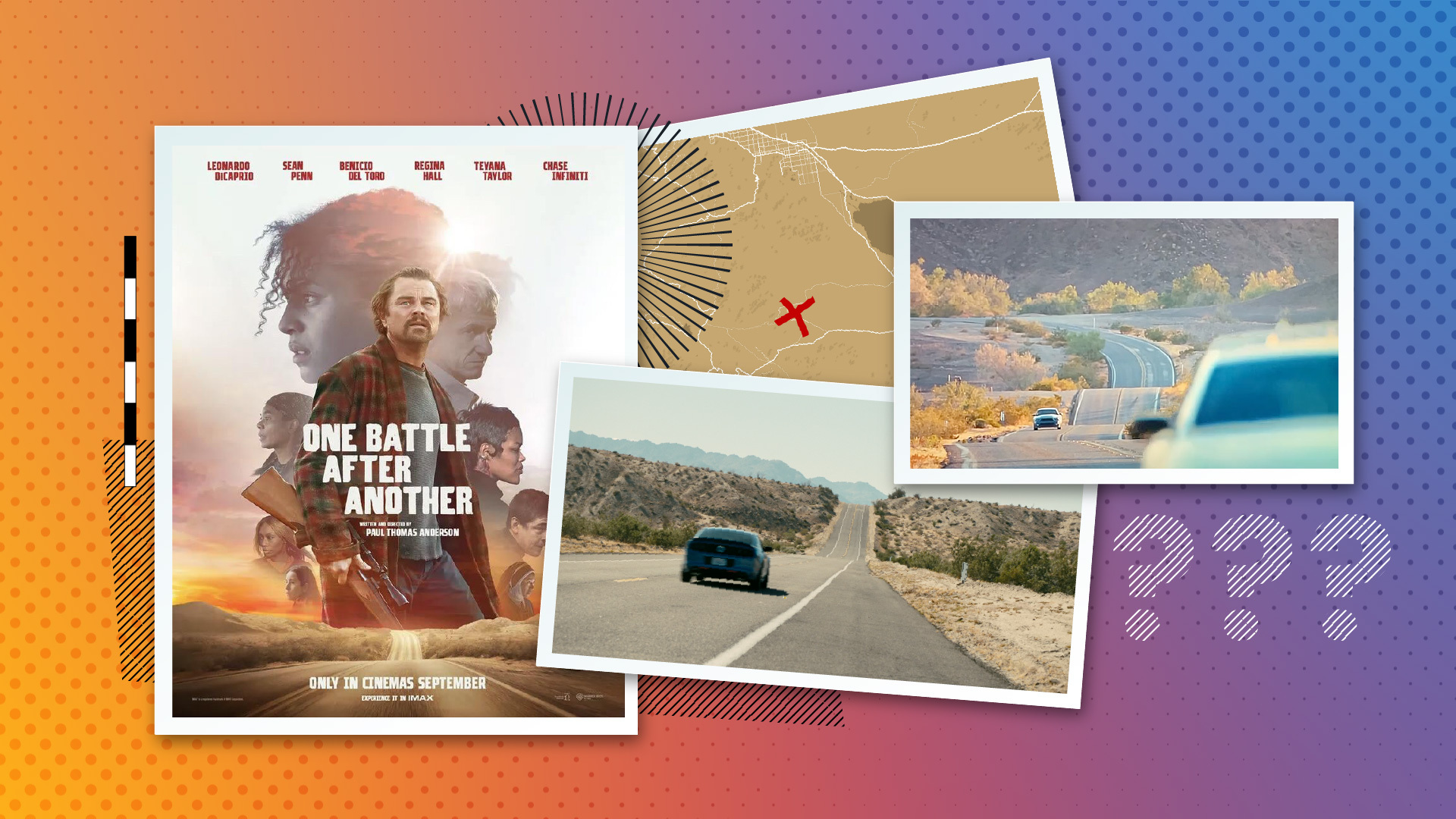
We teamed up with VPX Lab to try to recreate the car chase from One Battle After Another using an iPhone. The question: how far can accessible gear and emerging AI tools take you when you stack them together — and where does the workflow break down?
The Goal
Recreate the One Battle After Another car chase — a multi-million dollar Hollywood shoot — using an iPhone, AI relighting tools, and a hybrid compositing workflow. The experiment was a test of hybrid AI filmmaking: how far accessible gear and emerging AI tools can go when you stack them together, and where the workflow breaks down.
We worked with Conrad Curtis at VPX Lab, whose mission is exactly this: figure out how high-end filmmaking workflows can scale down to accessible tools. The framing he kept coming back to: poor man's budget, rich man's production value.
The Workflow We Built
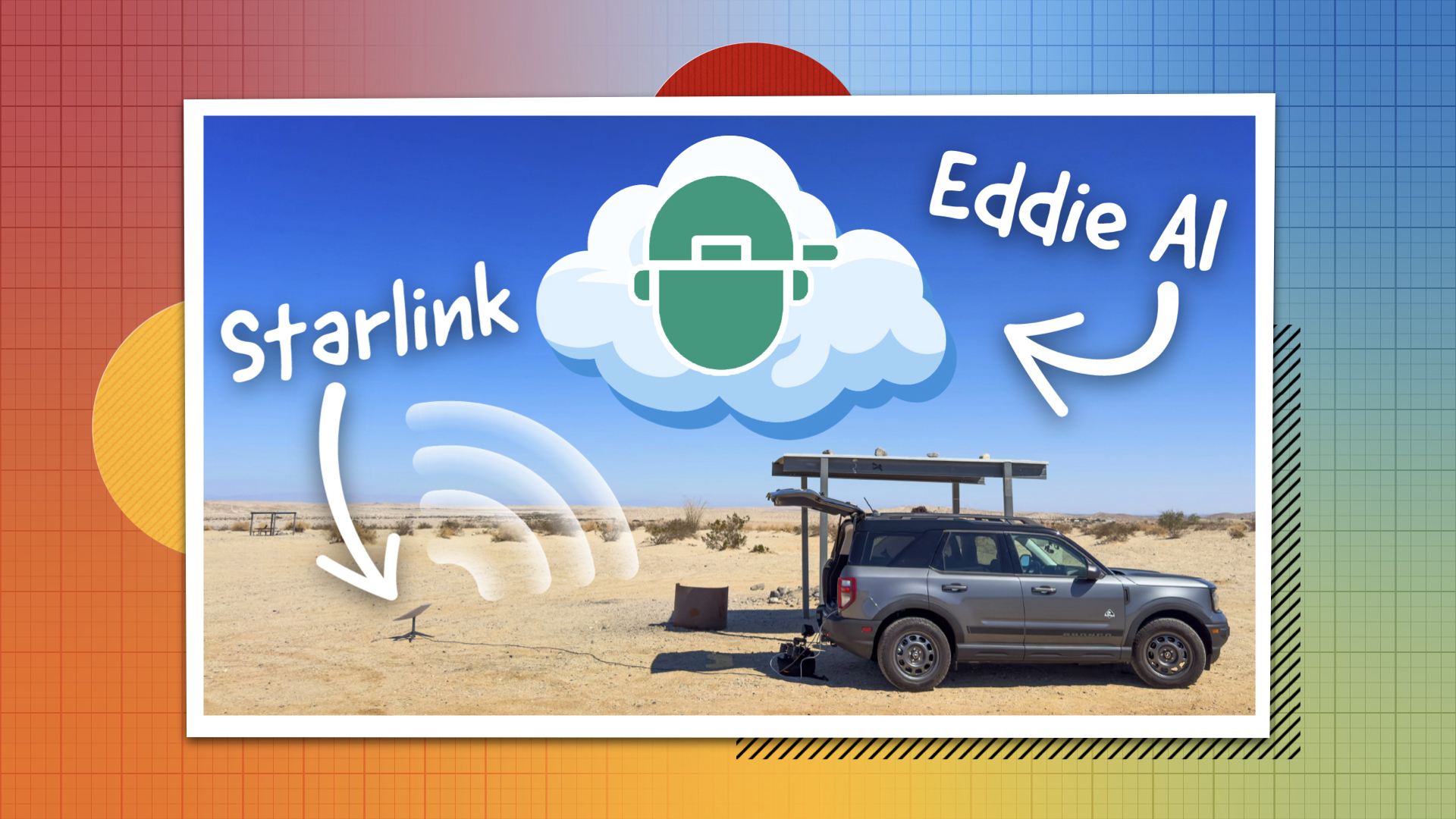
The shoot broke into two parts. For the exterior plates, we drove out to the River of Hills near the California-Arizona border and shot 360-degree reference footage with an Insta360 on the roof, plus driving plates on an iPhone running the Blackmagic Camera app on a Ronin gimbal.
For the interior car shots, we tested two approaches. The first was a poor man's process — shooting inside a real car with blue screen outside the windows, using Lightcraft Jetset for camera tracking. The second was more ambitious: remove the car entirely, scan a Mustang using an XGrid LiDAR scanner and the Elixo Go app to create a photorealistic 3D model, then shoot the actor in a flat evenly lit space with no car present. We've covered XGrid's LiDAR workflow and Leica Geosystems for film previously — this shoot was a direct application of that. Lightcraft Jetset let Conrad frame the shots with a virtual car overlaid in the app.
The lighting philosophy for the no-car shoot: give the AI tools maximum information with flat, motivated base lighting, then push the look in post. Beeble SwitchLight would handle relighting. Alden Peters would composite in Nuke.