🌐 GoPro HERO12, AI at Venice
Powered by

Welcome to another edition of VP Land, your guide to all things video tech.
As a non-Unreal Engine pro, I’m excited about new tech that makes VP quicker and easier. Vu just launched a new product that does just that, and we’ve got an interview with CEO Tim Moore explaining the thought process and goals behind the new Vu One.
I’ve also got a request for a bigger story I’m working on: if you know of any companies or projects that are doing interesting things and using tech from Nvidia and a cloud service provider (AWS or Google), reply back and let me know.
Alright, let’s jump into the issue:
📦 Vu’s new virtual studio in a box
🪂 GoPro’s new HERO 12
🚤 AI at Venice Film Fest
and more! Let’s dive in.

MAIN STAGE
Vu’s Virtual Studio in a Box 📦

As mentioned at the top, Vu just announced a new virtual production kit: the Vu One.
It has two parts.
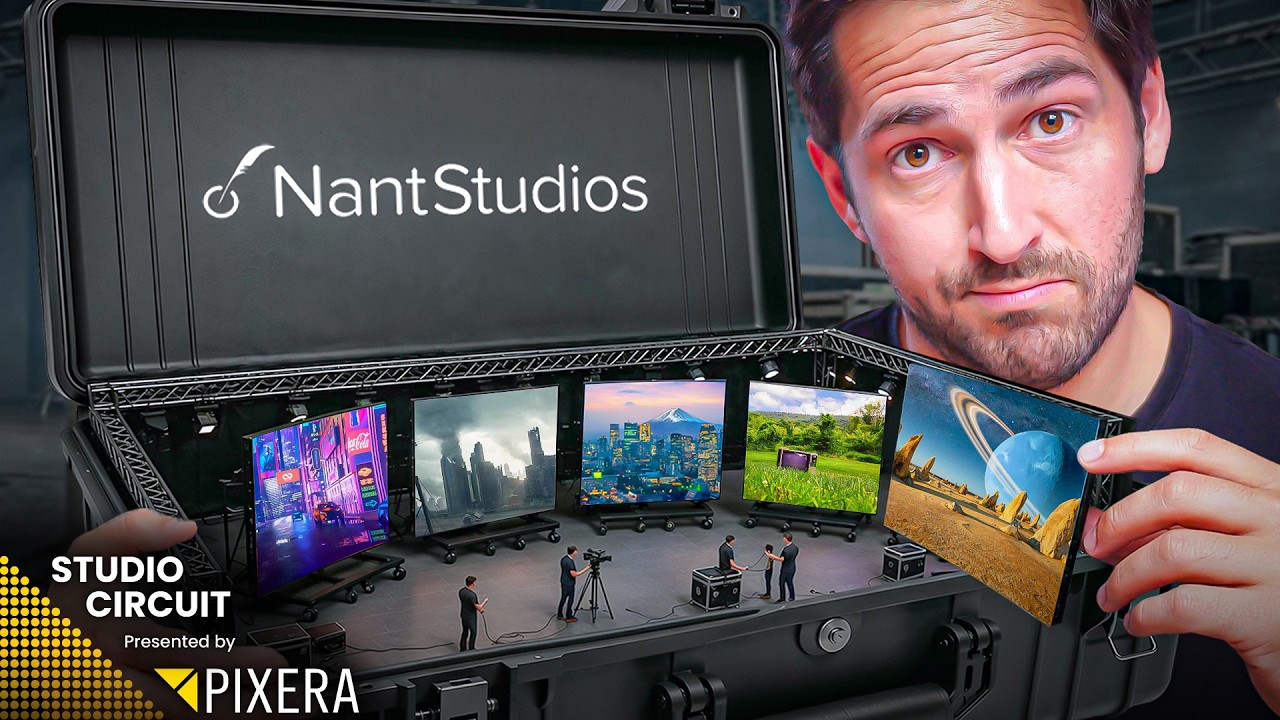
One part turnkey virtual production studio in a (very, very, big) box. That’s cool, but you could obviously put a setup together yourself.
The second part is where things get innovative: Vu’s Virtual Studio, a software platform that makes creating and running virtual scenes a lot easier.
Let’s break down both parts.
What’s in the box?

Source: Vu
Vu One offers a complete, configurable VP setup, which includes:
LED Wall by Unilumin
Media Server by Puget Systems
LED Processor by Megapixel
Stereo camera tracker (more on that below)
It’s a fully configurable setup. Base size starts at 13x9 ft but can go much bigger (as pictured above) and be configured flat or curved.
The stereo camera tracker is quite clever. You can use gestures to manipulate objects in the scene, such as a light or chair, Minority Report style, without having to deal with Unreal Engine or a computer.
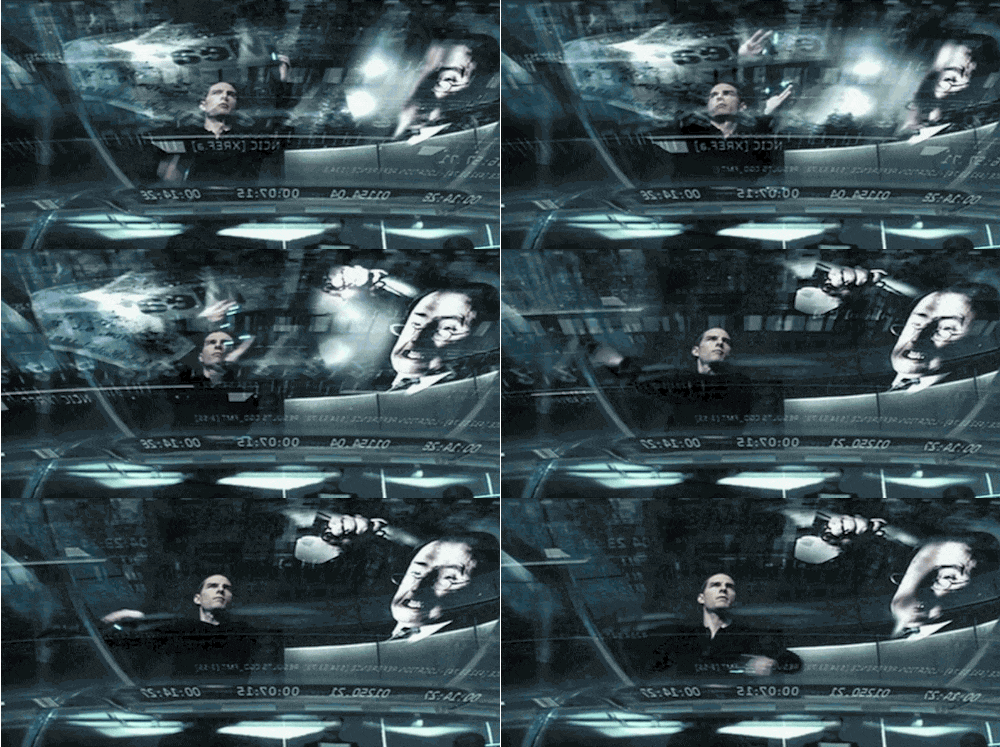
While this covers your background and camera tracking, you may have noticed one component missing - lighting. The key to selling a VP shot is getting your subject lighting to match your virtual environment.
“In November, we're releasing a number of new features and integrated lighting is a big part of it,” says Vu CEO Tim Moore. Basically, the stereoscopic camera will also be able to track and measure the amount of practical lights in the real world, and adjust the lighting in the virtual scene to match.
“That allows you to intelligently understand where the light is motivating in the scene, and then use wireless lights for that.”
Now what brings the stage together (and makes the tracking possible) is with Vu’s Virtual Studio software.
Vu’s Virtual Studio

Source: Vu
One of the biggest challenges with virtual production isn’t the hardware but the technical knowledge and crew needed to run the equipment and Unreal Engine.
This was a continual problem Tim would keep encountering as they built custom installs around the country.
“We were running into the same problem, and that was that he really needed to train an expert team to be able to run all this technology. So the Vu One came out of the thought process of can we make a product that has the power of virtual production, but the simplicity of just a smart TV.”
Vu’s Virtual Studio is an App Store of sorts for virtual production. Running off a smartphone or tablet, it has a library of 2D and 3D assets and built-in tools such as: