Plot Party's Snowglobe Turns One Line or One Image Into a 3D Film Set You Can Block and Shoot
VP Land
Nov 23, 2026 · 4 min read
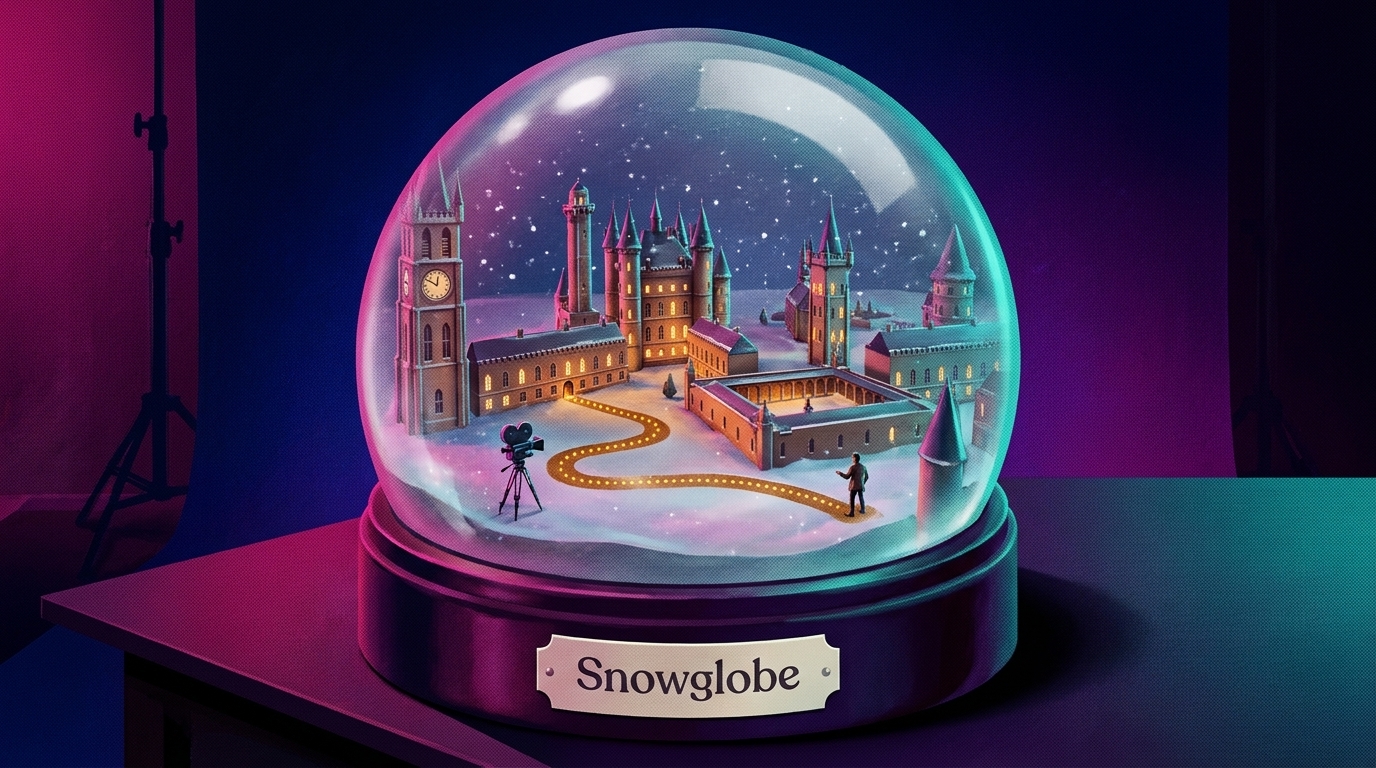
Snowglobe, Plot Party's 3D world engine for filmmaking, builds an editable 3D set from one line of text or one image, then lets you block actors, place cameras and send recorded takes to AI video generation, according to Plot Party's Snowglobe breakdown. Because every shot is filmed inside the same world, the company says streets, buildings and light direction hold between setups, which it presents as an answer to re-rolling scenes until backgrounds roughly match.
Scout photos can seed the set. Rebuild from image reconstructs terrain, layout and the source camera angle from a reference or scout photo.
Worlds reuse assets first. Snowglobe pulls from your own library, then a built-in library of nearly 500 assets, and only models something new when neither has it.
Buildings can open up. Structures marked Can go inside open an interior, so a scene can cut from the street to a hallway without changing worlds.
Generation costs Plot Points. Recorded takes render on Plot Party's Canvas, paid in Plot Points that vary by model, length and resolution.
No account needed to explore. Ready-made worlds open without signing in; building and saving your own requires an account.
A prompt or a scout photo becomes a walkable 3D set
Plot Party suggests writing the prompt like a location note, such as a Nordic fishing village below snowy mountains with a lighthouse, wooden piers and light snow at dusk. The company says a world builds in a few minutes.
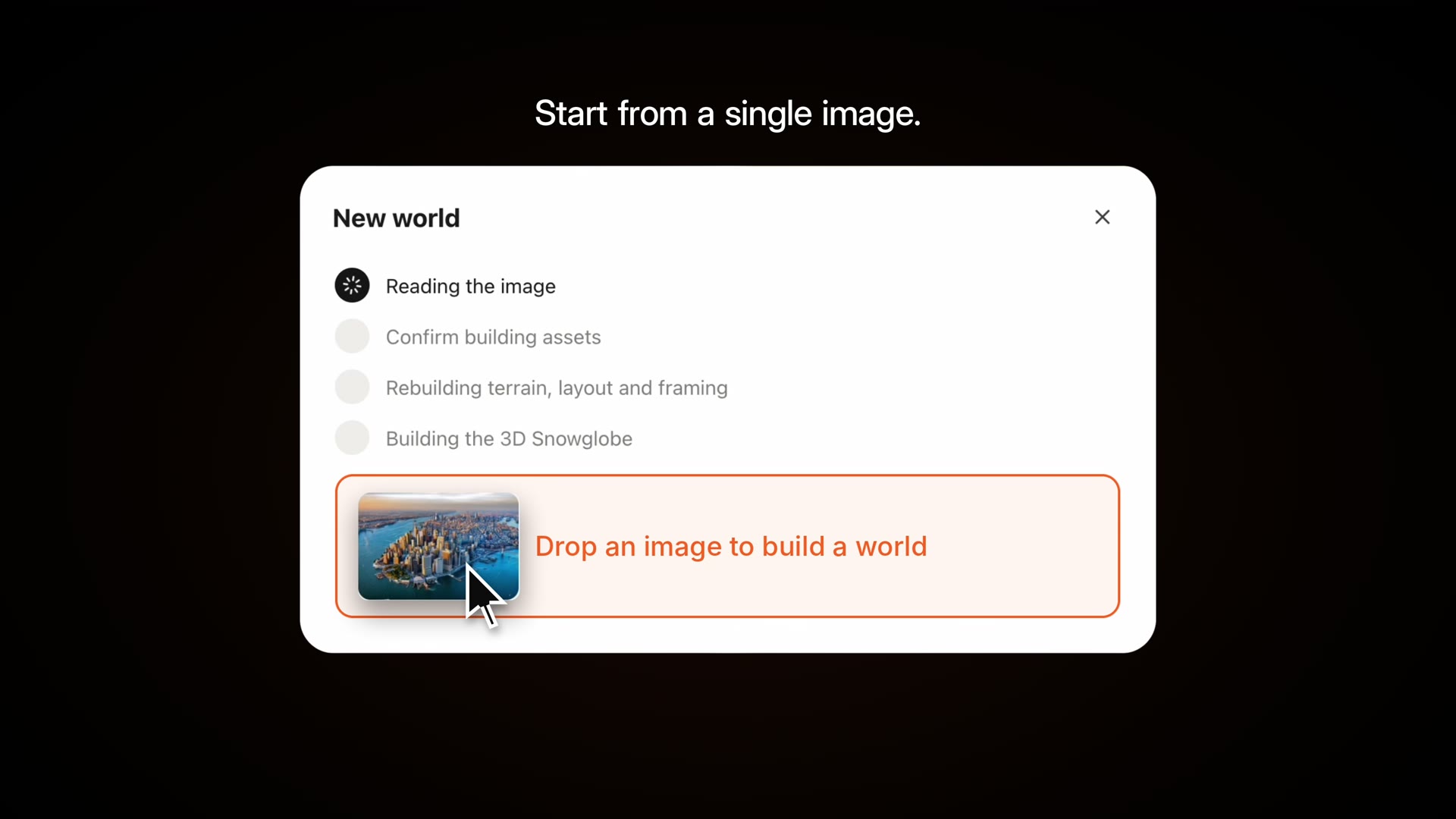
Rebuild from image works through four visible steps. It reads the image for terrain, building clusters and framing, shows which structures it found so you can confirm them, rebuilds the ground, roads and camera angle in 3D, then opens the finished world.
The New world dialog in Snowglobe, where you drop an image to build a world. Image: Plot Party
The image route covers similar ground to Image-Blaster's one-image 3D scenes, which turned a single image into a full 3D scene using Claude Code.
To skip building entirely, a Worlds gallery holds ready-made sets from the Plot Party team, including New York, the castle school Mistmere Academy, the railroad town Frontier Junction, Ancient Rome and Amsterdam.
Time, weather, terrain and buildings change while the scene stays put
Inside a world in the Plot Party app, you mark out Scenes, named regions with their own takes and screenshots, and then edit the set down to the building.
Time of day. A World Time slider covers 24 hours, with presets from Dawn to Night and a Time flow option that keeps the sun moving.
Weather. Clear, Cloudy, Foggy, Rain, Snow or Dust storm, one click each.
Terrain. A brush paints grass, sand, paving, dirt road or snow, cuts rivers, reshapes ground and plants trees.
Buildings. Selecting one shows its footprint, height, story count and room count, and you can move, rotate or delete it.
You can also hold Space to talk or press / to type requests like "make it dusk" or "add a taxi at the curb."
The same Mistmere Academy set in the morning, at night and in snow. Image: Plot Party
Blocking paths and cameras feed takes into Plot Party's Canvas
Select a person, vehicle, horse or camera, press Path and click out a route, then play it back to check whether the taxi arrives as the actor reaches the curb. Stop resets everything to its starting position.
Character profiles hold a role, traits, walking speed, a marker color and an optional portrait. The + button adds a camera, and Enter view looks through any camera or character's eyes.
Record a take or grab a screenshot, and it goes to the Canvas, where Plot Party says it becomes a "finished, lit, photoreal shot" with the composition and actor positions you chose.
The post doesn't name which video model renders those takes. Plot Party's plans help page says each generation is paid in Plot Points priced by model, length and resolution, and that Free accounts are for non-commercial use only.
Plot Party describes Snowglobe as hybrid previs for live-action shoots, rebuilding a location from a scout photo and recording a rough take of each camera setup before the crew arrives. For full AI filmmaking, the company claims continuity "comes for free" because every shot is filmed in one world.
Snowglobe sits inside the Plot Party platform alongside the Canvas, Director Studio for single-shot camera control and Plot Party Studio for long-form drama.
Bloomway AI's 3D Director Studio takes a similar approach, building worlds and directing characters and cameras with natural language, then using simplified-geometry previs with stand-in figures as a reference for AI generation.
Lemonlight is positioning Hero, which No Film School covers as a new AI production operating system, as a single synced hub that takes a project from a client brief to a treatment, script and storyboard. In Lemonlight…
Kling 4.0 has added native 4K video output and 10-bit HDR, which works at both 4K and 1080p, according to Kling AI's post on X. AI shots can now come out of the model at delivery resolution with more color depth for t…
NVIDIA released MotionBricks, the real-time motion generation model from its SIGGRAPH paper, in its own official GitHub repository with a new pretrained model for SOMA human characters, after a first release that cove…