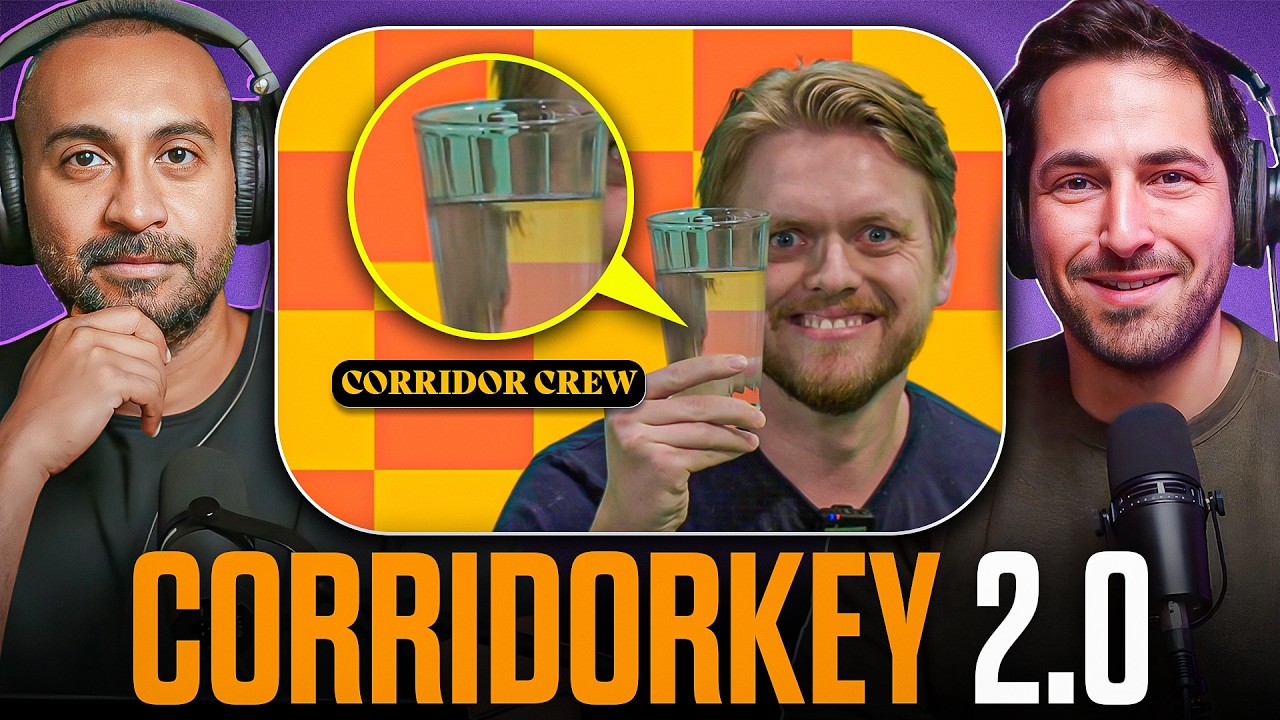
On Denoised, we dig into CorridorKey 2.0, the new version of Corridor Crew's AI keyer, which reads an entire clip instead of one frame at a time and was trained on local Puget Systems hardware. We test it at 4K, then look at 3D worlds written in code, price a new video model against its rivals, and argue about when native 4K earns its cost.
Jump to:
00:29 CorridorKey 2.0 and temporal keying
07:36 3D worlds built entirely in Three.js
16:25 A new video model priced against the competition
27:15 Ideogram's vector model and FLUX 3 Max
30:07 Native 4K vs. generating at 720p and upscaling
Quick Take
Every story in this episode comes back to how much compute a shot deserves and who pays for it. Corridor Crew trained a production keyer on local hardware and sells the polished version for $50, while one code-built 3D scene cost a little under $3,000 at API prices and Seedance 2.5's 4K generations look headed for $20 to $30 a clip by our estimate.
What We Tested: CorridorKey 2.0 Keys Across Whole Clips and Trains on Local Hardware
CorridorKey 2.0 is out, and it still pulls a key from green or blue screen footage. Version 1.0 took some tweaking for us but did a strong job on the first pass.
The big change is temporal awareness. Version 1.0 worked frame by frame, while 2.0 looks at the whole clip and can reference frames before and after the one it's keying.
Corridor Crew's breakdown video covers how the team built and trained 2.0 with neural network experts. Standout demos include someone holding up green as the shot drifts out of focus, and a glass of water Joey says keys perfectly.
Our 4K test. We bought the $50 license and ran a 150-frame 4K clip on what Addy believes is an RTX 4090, and it processed in about a minute.
Addy's guess is that it's optimized for CUDA, so it favors NVIDIA GPUs.
A Mac beta is available, though Joey expects better performance on NVIDIA.
A standalone app covers anyone who doesn't want the Resolve or Premiere plugin.
What's free and what costs $50. Version 1.0 was an open source model you had to know how to run, with community-built plugins. Version 2.0 keeps the weights free and open source, and the $50 one-time fee buys an app, plugins for most major editors and a nicer interface.
Where the gains show up. Addy has seen mostly positive posts from other VFX artists, and we think 2.0 handles movement, difficult hair, skin highlights and despill well.
Training without a render farm. Corridor trained 2.0 on local Puget Systems hardware instead of a big render farm or cloud compute network. Puget's lineup reaches well beyond training rigs:
Joey's argument: His guess for CorridorKey 3.0 is gray screen or no screen; he half-jokingly calls gray the mascot flag of AI hybrid productions. Until then, green or blue keeps more options open, since AI tools, CorridorKey and traditional compositing can all key from it.
Addy's read on how it works: He suspects a strong depth model like Depth Anything inside, which would explain clean keys even as the green shifts from dark to light. Joey recalls version 1.0 trained on synthetic data from MetaHumans on green alongside keyed versions.
A workflow tip for tricky shots. When lighting isn't perfect, Joey has had Claude run two passes on a clip, one overcranked to hold hair detail and one undercranked for a cleaner key around the feet.
What We Explored: Leon Lin's 3D Worlds Built Entirely in Three.js Code
Leon Lin has been posting elaborate 3D worlds on X that turn out to be made entirely with code. They render in Three.js, the web framework for drawing 3D in a browser with shapes, shaders and code, with no Blender involved.
The prompt is short. Lin generated nine reference images and handed them over with a prompt he shared openly, along with repos of everything he built:
The world ran on a laptop GPU, a Radeon 780M, and Joey thinks Lin should rebuild Myst.
No diffusion in the final world. As Addy put it, no video or images are generated in the result. It's an LLM writing code beyond what most people in media and entertainment could write.
A second piece, an Alpine lake, uses Python and GLSL, the shading language for writing shaders as math. Lin posted its cost at API prices using Claude, a little under $3,000, though Joey guesses he worked on a subscription plan such as Max.
GLSL took Addy back to an old studio project.
I remember we had to build a GLSL shader for work to replicate fur back in 2012 or something like that, pre-AI obviously. And it was so difficult to do. We had to bring in a PhD who understood GLSL and mathematics at that level to be able to write something that mimicked fur.
That shader faked fur with layered 2D cards angled to the camera, and in Addy's words, it's now "something that Claude runs on autopilot."
Joey's argument: The bigger question is which older code-based techniques, ones that worked but were too cumbersome to build out, become practical once agents write them.
Addy's counter: His question is what to do with it, and a stylized world that isn't chasing photorealism could become a playground for a future game or RPG.
What We Debated: Kling 4.0 Lands Near Seedance on Specs at a Fraction of the Price
The new Kling 4.0 model is out after a quiet stretch following Kling 3. Joey reads much of it as catch-up to Seedance 2, reaching parity on resolution and features.
Kling was among the first with video-to-video and multimodal reference inputs, a space Wan 2.2 Animate, Google Omni and Seedance 2.5 have since joined.
Joey doesn't think every announced spec is live yet, at least not on fal's platform.
Output:
- Up to 4K, including 4K 10-bit HDR
- 21:9 cinematic aspect ratio
- Two-channel stereo audio
Input:
- Up to 10 reference images
- Up to five videos with a combined duration of up to 30 seconds
- Audio input for a voice reference on speaking characters
The price gap. At 720p with audio on fal, whose Seedance rates run high compared with other providers per Joey:
- Kling 4.0: about 15 cents per second
- Seedance 2.0: about 30 cents per second
- Seedance 2.5: about 47 cents per second
For a 10-second clip, Kling 4.0 costs half as much as Seedance 2.0 and about a third of Seedance 2.5.
How it looks. In the sample clips, close-ups hold up while wider shots fall apart and feel synthetic. A 15-second one-shot action sequence impressed us, and handheld pans show more natural motion blur than the synthetic blur Joey often saw from Kling 3.
How is it this cheap? Addy wonders whether Kling is losing money or benefiting from Huawei's data-center GPUs, which he says rival NVIDIA's. Joey's alternative is that Kling found a way to reach this quality with less compute, and neither of us knows.
What We Explored: Ideogram's First Vector Model and fal's Post-Trained FLUX 3 Max
Ideogram released its first vector model. Addy's read is that earlier options generated pixels and converted them, while this one generates vectors natively, and his own past pixel-to-vector attempts went poorly.
fal post-trained FLUX 3 into FLUX 3 Max. In fal's speed chart, the original takes about two minutes per generation and fal's version about 10 seconds, and fal ranks its quality higher.
Addy's question: Why use the original? Joey's answer is the open weights, which you can run or post-train on your own hardware.
Joey assumes, without knowing for sure, that Black Forest Labs gets a cut when people use it on fal, similar to tiered licenses like LTX's. We both credit Black Forest Labs as a small team punching above its weight on quality.
What We Questioned: Native 4K From Seedance 2.5 vs. Generating at 720p and Upscaling
ByteDance's Seedance 2.5 is rolling out in 4K, with no pricing posted when we recorded. At 1080p on fal it runs about $7 per 10- to 15-second generation, so we guessed 4K lands around $20 to $30.
Joey's argument: What's needed is a better pipeline for working at 720p, then upscaling a locked shot without generating it fresh. We found a depth-map approach that works reasonably well, converting the original footage to a depth map and feeding that plus the original reference images into the 4K output.
Depending on the shot, the 4K result stays consistent with the original clip. Seed locking doesn't solve this, since the same seed and inputs at 720p and 4K still produce different results.
Addy's counter: Each 720p pixel has to fill many 4K pixels, so it's a different problem for the model. That makes upscalers a natural finishing pass and native 4K a pricey way to experiment.
Where native 4K earns its cost. Some people swear by generating at 720p and finishing with Topaz Labs or another upscaler.
Joey's view is that detailed wide shots remain AI's weakest area, since that detail shrinks at 720p and comes back soft after upscaling. Native 4K makes the most sense for:
- Wide establishing shots, like a 1970s New York street full of people and passing taxis
- Crowds
- Buildings with lots of lines
For close-ups of faces, Joey sees no benefit and a lot of burned money. Addy suspects some of the 4K push is ByteDance flexing.
Bottom Line: Spend Heavy Compute Only Where the Shot Needs It
Each story put a different price on how much compute a shot deserves.
- CorridorKey 2.0. Whole-clip keying, free open weights and a $50 app, trained on local Puget hardware.
- Code-built worlds. Agents wrote detailed 3D scenes from nine reference images, and a related Python and GLSL scene cost a little under $3,000 at API prices.
- Kling 4.0. Specs near Seedance 2 at roughly half the per-second price on fal.
- Ideogram and FLUX 3 Max. Native vector output, and a post-trained model fal says is faster and better.
- Seedance 2.5 in 4K. Worth it for detailed wides; close-ups can stay at 720p with an upscaler.
Native 4K belongs on crowded wides, a whole-clip keyer belongs on hard green-screen shots, and close-ups can finish at 720p with an upscaler.
Links from This Episode
Tools & Platforms
Projects
Companies
WATCH THE FULL EPISODE ON YOUTUBE →