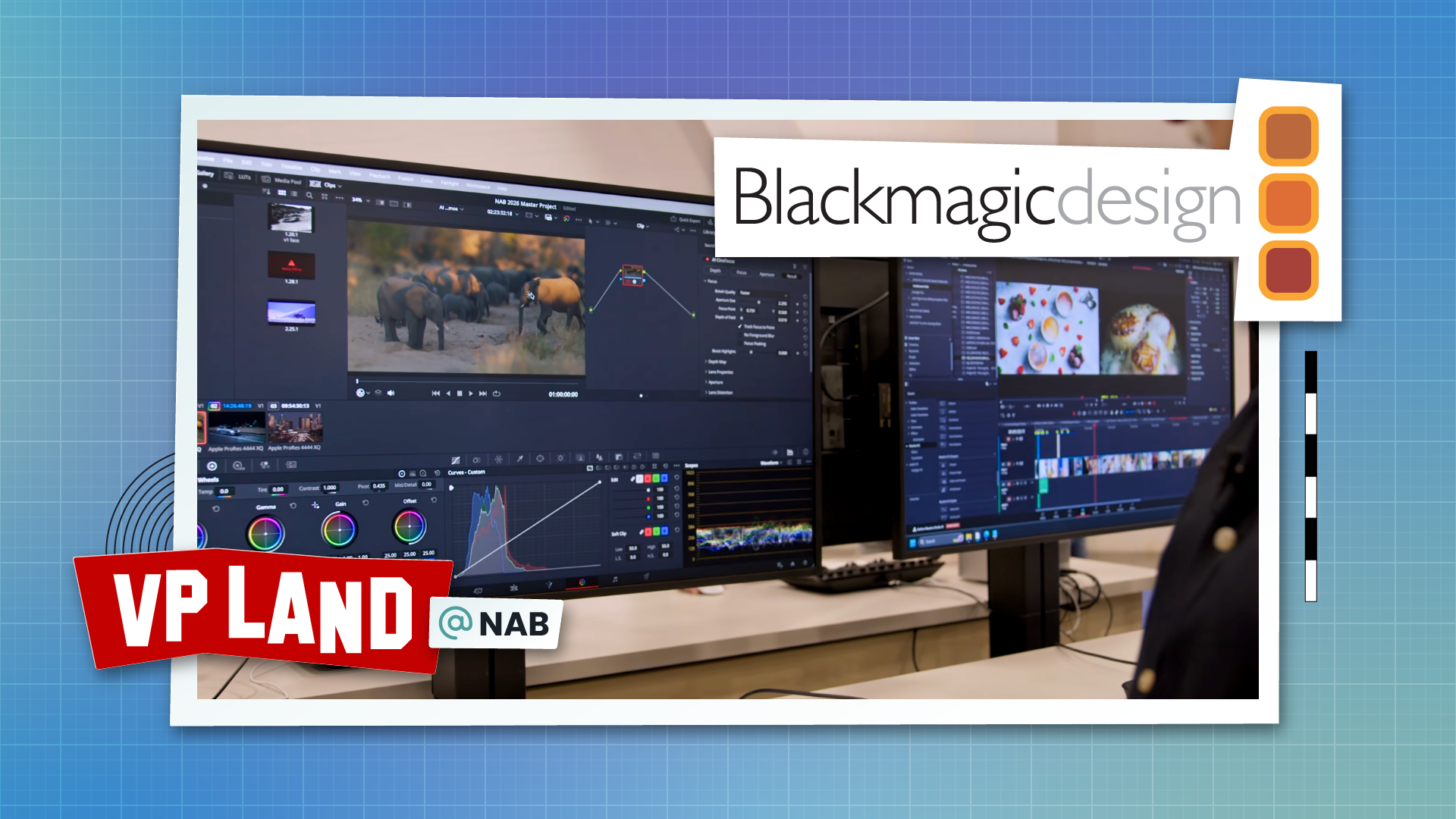
Blackmagic Design walked us through the AI tool set in DaVinci Resolve 21 at NAB 2026, and the depth of the controls inside each plugin matters more than the headline count. AI CineFocus reconstructs a depth map from a flat shot and gives colorists a virtual cinema lens to refocus, change aperture shape, and animate a rack pull after the fact. IntelliSearch turns the media pool into something closer to a queryable database.

The AI plugins live in the Color page as Resolve Effects under the Refine section. Most build on tools introduced in Resolve 20, which we covered in our AI editing workflow breakdown.

Focus Pull, Reframed: AI CineFocus is the most camera-aware of the new tools, replicating a full optical lens rather than a simple defocus blur.

  • Internal depth map. The plugin generates the depth map from the source clip on its own. If you already have a rendered depth pass, you can feed it into the alpha input instead.

  • Virtual aperture. Controls cover aperture shape (spherical or anamorphic), number of blades, rotation, and chromatic aberration. The bokeh shape responds to those iris settings rather than being a generic blur kernel.

  • Track Focus to Point. Enabling this mode exposes keyframeable X and Y controls. Pair it with Resolve's object tracker and the focal point follows a subject across moving footage without manual keyframes.

  • No Foreground Blur toggle. Locks a foreground region as always-sharp so a focus pull behind a subject doesn't soften them by accident.

  • Map level controls. Near and far limits, gamma, and post-process softening let colorists tune which parts of the depth map fall off and how aggressively.

The Blackmagic rep demonstrated the tool on a car shot where the original cinematographer pulled focus to keep both the car and the city sharp. In Resolve 21, the choice of which plane stays in focus becomes a node-level decision in post.

Faces, Edited in Place: Three plugins target on-camera talent and share the same face detection and tracking pipeline as the existing Face Refinement tool.

  • Face Age Transformer. You enter the subject's actual age, then keyframe an age offset over the clip. The demo took 20 years off a 40-year-old subject between two keyframes. The tool requires a roughly front-facing angle and loses control past a three-quarter view.

  • Face Reshape. Adjusts face shape, eye size, nose, mouth, and eyebrow position on a tracked face. The demo animated a mouth shape between keyframes to shift a performance from cranky to happier. Eyes, nose, and mouth controls are combined by default, with an option to split them.

  • Blemish Removal. A single strength slider with a narrow detection focus. Pores and fine hair survive; spots and blotches get smoothed. Combine it with a Power Window or Magic Mask selection to target a region instead of the whole face.

Sharpening, Deblurring, and Up-Res: Two optical correction plugins handle different fixes that get conflated in marketing copy.

  • Ultra Sharpen. Rebuilds edge detail and recovers fine texture, demonstrated on a bird where feather definition came back after the pass. Controls are a sharpened amount slider and a global blend opacity. Works well on slightly soft-focus interviews.

  • Motion Deblur. Generates a new cleaned source clip rather than acting as a filter, then sits on a layer above the original for toggle comparison. Demoed on a moving sign with heavy motion blur.

  • Different from Super Scale. Super Scale is the upscaling algorithm that resamples a clip to a new resolution. Ultra Sharpen works on the existing frame to recover edge detail that was obscured. Run a denoise node first to cache cleaner inputs for the rest of the pipeline.

IntelliSearch and Auto-Generated Smart Bins: The AI clip analysis pass is the workflow change colorists and assistants will feel most.

  • Slate detection. Resolve drops duration markers wherever it sees a slate and extracts the data printed on it.

  • Transcription with speaker detection. Runs alongside audio classification during the analysis pass.

  • Persistent face identity. Detected faces get auto-generated smart bins. Rename a bin to a person's name and Resolve tags future media with the same face. The demo found "Sean Villon" across multiple shoots from a single search.

  • Search to smart bin. An IntelliSearch query can be saved as a smart bin that keeps updating as new media enters the project. The face-to-speaker-transcript link is not wired up yet; the Blackmagic rep noted it as a feature request.

Editors who have been bolting on third-party search tools like Jumper for clip discovery now have a native option inside the same project that holds their timeline.

Availability: DaVinci Resolve 21 is in public beta and free to download from Blackmagic Design. Studio license holders get the AI plugins as part of their existing license. The Photo page ships in both the free and Studio versions, with Studio adding ResolveFX and Inspector tools on top of the shared photo grading interface.

Reply

Avatar

or to participate

Keep Reading