
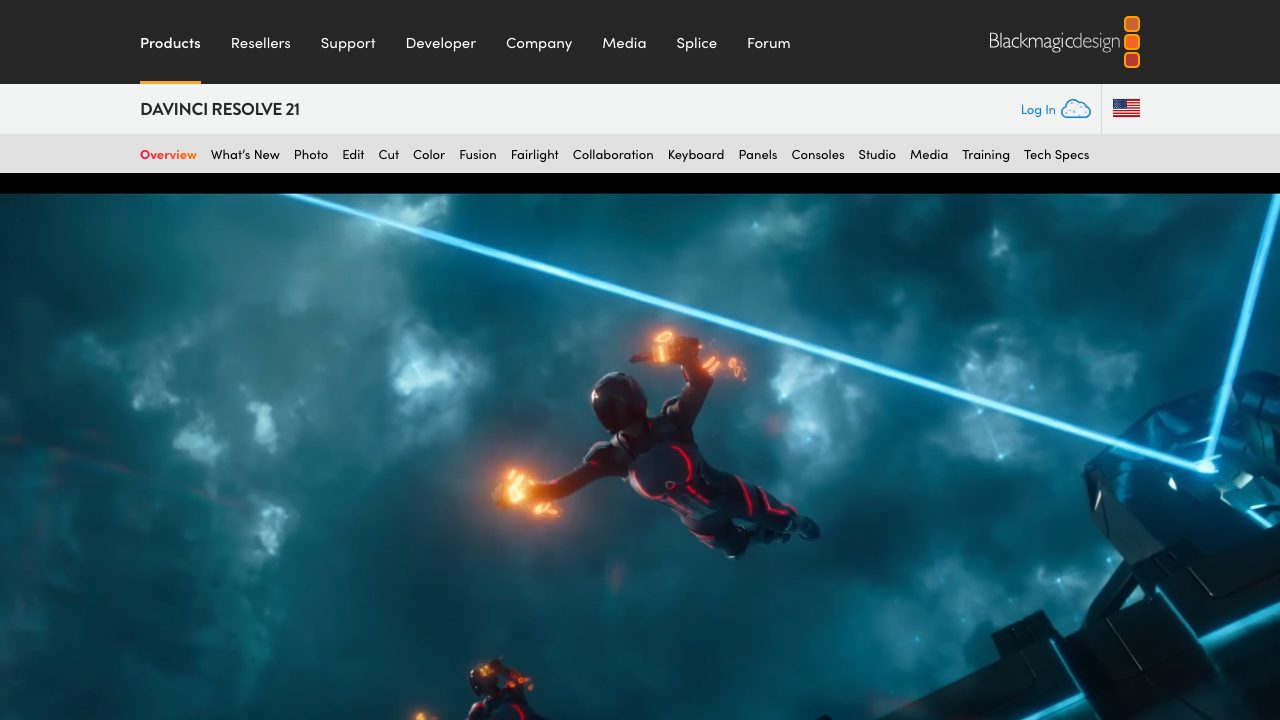
About DaVinci Resolve
DaVinci Resolve is a comprehensive post-production platform that consolidates editing, color grading, VFX, motion graphics, audio mixing, and photo editing into one integrated environment. Rather than jumping between specialized tools, editors and colorists can complete entire workflows—from rough cut through final delivery—without leaving the application.
The software features distinct workspaces for different tasks: the Cut and Edit pages for timeline work, the Color page for grading with advanced color tools, Fusion for compositing and visual effects, Fairlight for audio post-production, and a dedicated Photo Edit module. This modular approach means you can specialize in one area while still accessing the full toolset. The free version (DaVinci Resolve) includes core editing, color correction, and audio tools; the paid Studio version ($295 one-time) unlocks advanced features like Fusion's full node-based compositing, timeline collaboration, and enhanced color tools.
DaVinci Resolve is designed for working with camera-original quality throughout post-production, supporting a wide range of formats and codecs. The interface balances accessibility for newcomers with professional power, and the software is industry-standard in color grading workflows. Its inclusion of Fairlight makes audio mixing and design accessible without third-party DAWs, while Fusion provides compositing capabilities competitive with dedicated VFX software. The collaboration features in Studio versions enable team workflows across distributed locations.
Notable limitations include the learning curve for Fusion's node-based compositing (compared to layer-based competitors), and some advanced motion graphics tasks may feel less intuitive than After Effects for users trained there. The free version excludes certain professional collaboration and premium color features, though it remains capable for independent creators.


![Resolve's New AI Tools and More Updates from Blackmagic Design [NAB 2023]](https://i.ytimg.com/vi/_A2R9TyRpaA/maxresdefault.jpg)


![Sun Dragon: Inside Atomos' First Video Light [NAB 2024]](https://i.ytimg.com/vi/XAQeyA-x0m4/maxresdefault.jpg)

![How the URSA Cine 12K uses AI to get metadata from ANY lens [NAB 2024]](https://i.ytimg.com/vi/wLmD4ZmJHdE/maxresdefault.jpg)
![Inside Blackmagic's New $3K PYXIS 6K Camera [NAB 2024]](https://i.ytimg.com/vi/0WQkCixWUvk/maxresdefault.jpg)


![Will ChatGPT Content Rank in Google? [Jan 31, 2023]](https://i.ytimg.com/vi/SIntMHfyJQk/maxresdefault.jpg)