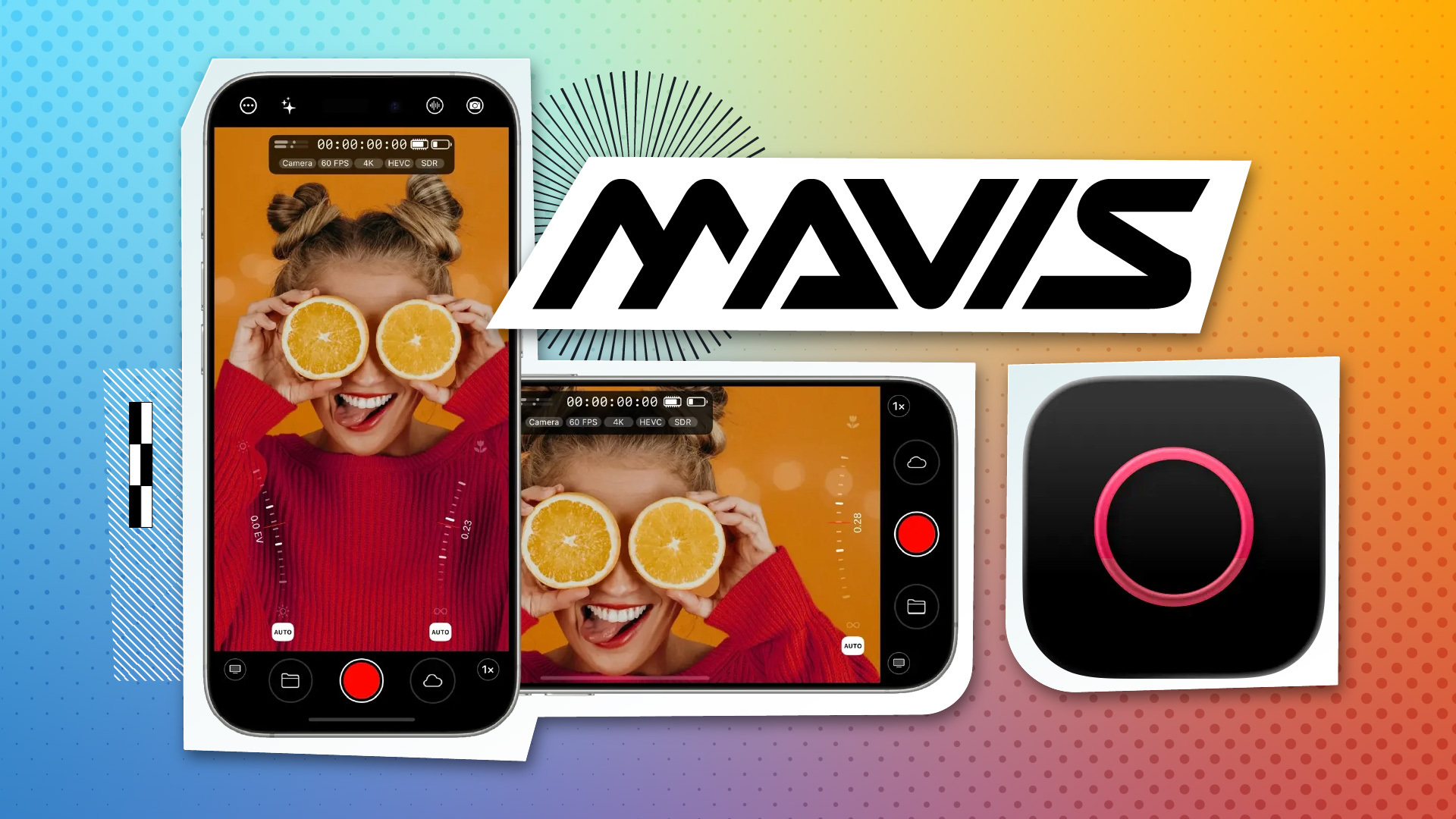
Mavis launched Film Kit, a $9.99 in-app purchase for its iOS camera app that adds custom LUT workflows and Open Gate capture. The update (v7.4) turns an iPhone or iPad into a LUT-aware monitor/recorder that works with both the internal camera and HDMI sources via Atomos Ninja Phone.
Check out our coverage of the Mavis Camera app at this year’s NAB Show:
Custom LUT import - Film Kit lets you import .cube LUTs and choose whether to preview them non-destructively in the viewfinder or burn them into the recording, extending the same workflow to HDMI inputs from DSLRs and mirrorless cameras
Built-in film looks - Ships with six filter LUTs (Bleach Bypass, Bunny, Cinematic, IR, Monochrome, Vintage) that can be recorded and carried into downstream workflows like live streaming or NDI
MLUTs for organization - New MavisLUT format bundles multiple traditional LUTs and metadata into a single file to help teams manage looks across different color spaces
Open Gate modes - Two capture modes: one designed for Apple Log workflows, one for Rec.709 that can capture above 4K resolution on supported devices, plus new support for Apple Log2
Free Camera to Cloud - v7.4 adds free ATOMOSphere Camera to Cloud integration for progressive uploading to the Atomos ecosystem for review and collaboration
The update also includes new white balance presets, improved shutter-angle selection that snaps to common values like 180°, and expanded language support. The base Mavis Camera app remains free on the App Store.
This puts Mavis in more direct competition with FiLMiC Pro and Blackmagic Camera, but the HDMI LUT workflow with Atomos Ninja Phone is a specific angle—turning an iOS device into a color-managed monitor for hybrid shoots where you're mixing iPhone and cinema camera footage.