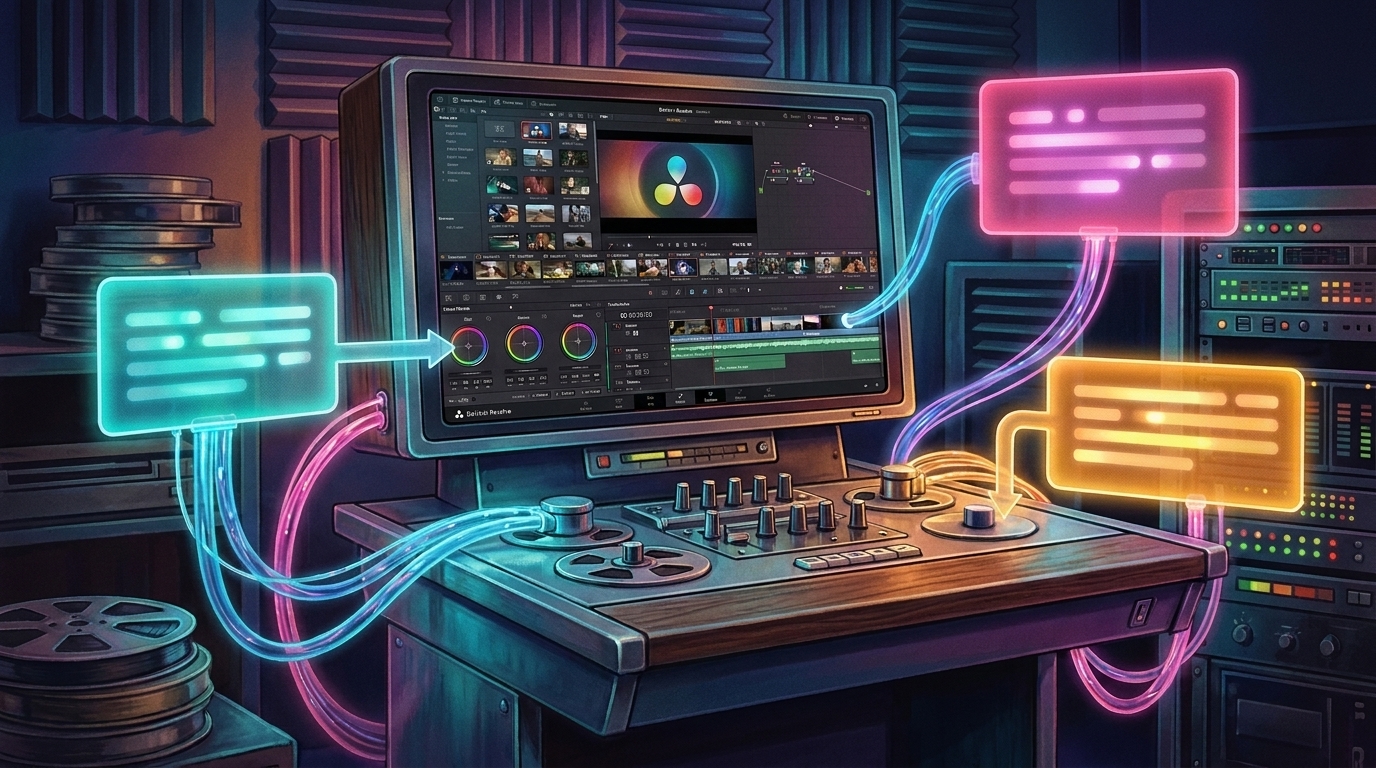
Blackmagic Design released DaVinci Resolve 21.1, a free update that connects AI assistants including Claude, Claude Code, and ChatGPT Codex to the editing application so editors can direct post-production work with plain-language requests instead of clicking through each step. The assistants reach across the media pool, timeline, and render queue, running work that previously meant stepping through menus by hand.
- AI assistants operate across post through chat. Blackmagic says customers can ask Claude, Claude Code, or ChatGPT Codex to analyze projects, organize media, adjust settings, create highlight edits from long-form video, remove unwanted clips, and render deliverables using everyday conversational language.
- The Photo page reads more cameras natively. New formats include Fujifilm's GFX and X series, Leica SL, and Sony A7R V1, and image settings can be adjusted with DaVinci Resolve color panels, including the Micro Color Panel.
- Multi-cam editing scales to large shoots. New keyboard shortcuts control up to 25 camera angles, track selection covers up to 32 tracks, and multi-cam clips can split at timecode gaps.
- HDR grades get independent trim passes. The MultiMaster trim feature supports separate passes for Dolby Vision, HDR10+, and HDR Vivid, with per-trim output sizing and caching.
- Fusion gains more than 25 Krokodove tools. New nodes include Connect 3D, Heightfield Create 3D, Tube Create 3D, a 3D Region toolset, and the sPrimitive Create shape generator.
Conversational commands move AI assistants from single features into a cross-page editing role
DaVinci Resolve 21.1 supports integration with AI assistants such as Claude, Claude Code, and ChatGPT Codex. Blackmagic says an editor can direct these assistants across the edit in everyday language, from building highlight edits out of long-form footage to culling unwanted clips and exporting deliverables.
"With AI assistant support, our customers can now ask Claude or ChatGPT to handle repetitive tasks such as create highlight edits, organizing media or batch rendering, which frees them up to focus on creative decisions," said Grant Petty, Blackmagic Design CEO.
That conversational layer sits on top of Resolve's own automation surface. A new decode option in preferences lets customers specify whether AI tools use only full-resolution media, with fallback to any available media when the preferred files are offline, and the release adds 20 new scripting APIs with built-in console support for automating workflows. It builds on the native AI toolset that arrived with Resolve 21, which introduced nine AI features and the new Photo page.
The Photo page reads more cameras natively and adds color panel control
The Photo page now imports a wider range of camera formats, including Fujifilm's GFX and X series, Leica SL, and Sony A7R V1, so photographers can work with these files without converting them first. Image settings can be adjusted in the inspector using DaVinci Resolve color panels, including the Micro Color Panel, and ResolveFX adds enhanced sky replacement for still images on the Color page.
Color management also widens with support for GoPro Log, Leica L-Log, DJI's D-Gamut2 and D-Log2, and Vivo's Wide Gamut and Log, plus additional camera transform LUTs and ACES Transform color space choices, so footage from those cameras works without manual conversions.
Multi-cam scales to 25 angles, HDR trims split by format, and Fusion adds Krokodove nodes
Edit page multi-cam workflows add a timeline viewer multi-cam mode button that keeps the source viewer in place when previewing media pool clips, and multi-cam clips can now split at timecode gaps. New keyboard shortcuts control up to 25 angles, track selection shortcuts reach 32 tracks, and audio waveforms can scale automatically to fill track height.
On the Color page, the MultiMaster trim feature now supports individual trim passes for Dolby Vision, HDR10+, and HDR Vivid, letting colorists grade each format independently rather than sharing one trim. Output sizing can be overridden per trim, and per-trim timeline caching avoids re-caching when switching between deliverables.
Fusion's 3D and shape toolkit gains more than 25 new Krokodove tools, and the macro editor can load macros directly from DRFX template bundles. Format support adds GPU-accelerated HTJ2K decoding, hardware-accelerated HEIC decoding on Apple Silicon, and support for NVIDIA RTX Spark systems on Windows. DaVinci Resolve 21.1 is available now as a free download from Blackmagic Design.