Krea Launches Krea Bots, AI Agents That Split Creative Projects by Craft and Learn Your Team's Taste
VP Land
Nov 13, 2026 · 3 min read
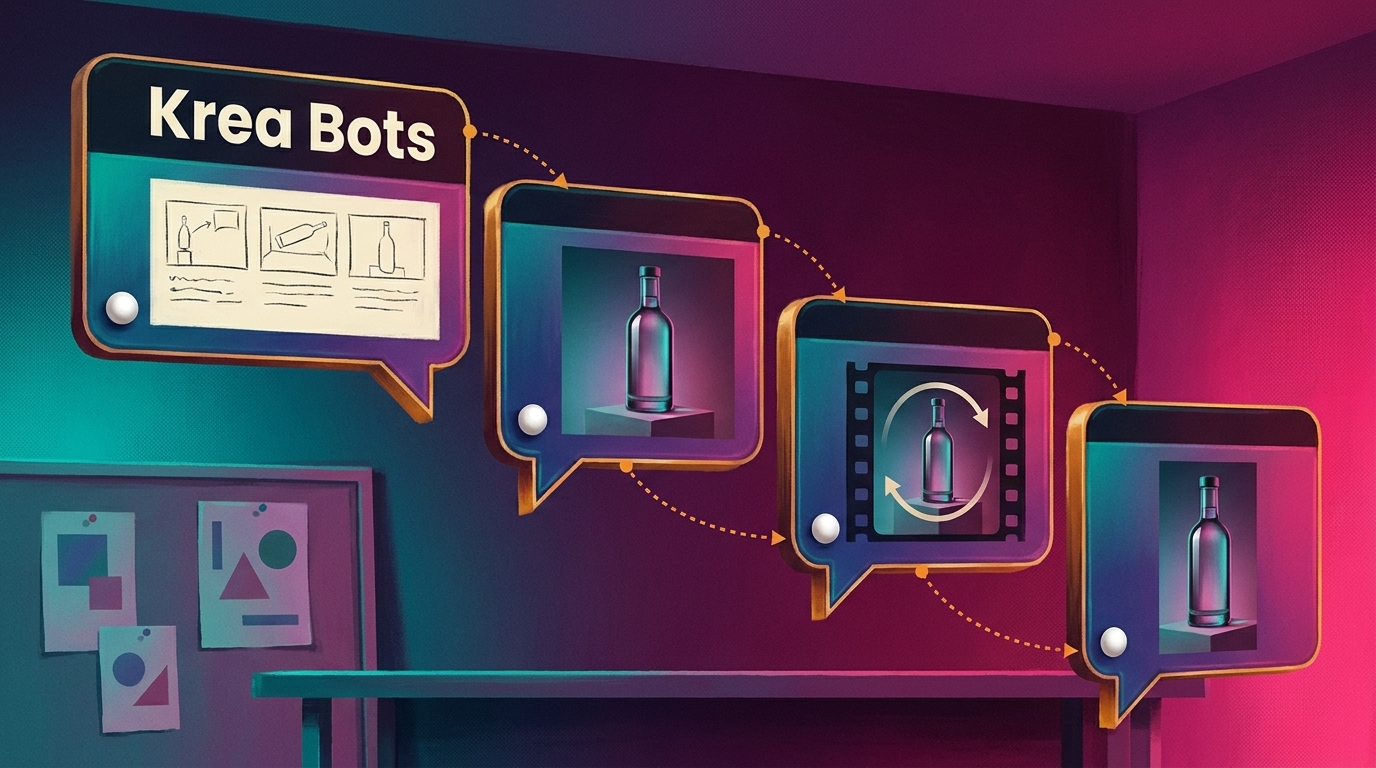
Krea launched a beta of Krea Bots, AI agents that take on entire creative projects and adapt to a team's taste as people collaborate with them, per its announcement on X. Each bot handles one craft inside a shared team chat, so a director bot can plan a project and hand storyboards, images, video, sound and social posts to specialist bots.
A director bot runs the job. North, the creative director bot from creative AI suite Krea, reads the brief, plans the work and brings in the specialists it needs.
Nine bots cover a motion project. For motion work, North pairs with Lumen for images, Doodle for storyboards, Snip for video edits, Glide for motion, Bloop for sound, Voxel for 3D, Ping for social and Serif for brand checks. Krea's page shows 20 named bots in all, including a colorist, a copywriter and a packaging designer.
Feedback turns into memory. Each bot reads craft lessons, project notes and the workspace's house style before it starts a task.
Beta teams get $1,000 in credits. Krea is onboarding teams from a waitlist, and AlphaSignal reports that no public pricing or general availability date has been announced.
Teams assign work with an @mention, and bots hand off the next step themselves
Bots sit in a chat alongside people. On Krea's Bots beta page, mentioning a bot with @ hands it the brief; it asks when something is open, does its part, then passes the next step to the bot whose craft it is.
Each bot's instructions are written once and followed every time. Krea's examples include bots set up for color grading, trailer cuts, product shots, storyboards, titles and type, and social cutdowns.
Krea's sample product-launch week shows the handoffs:
North sets direction. It proposes three directions, then shortlists three of twenty stills with a reason for each.
Lumen makes the stills. It produces twenty product shots, ready by morning.
Glide builds the motion. It makes one slow turn that loops without a seam.
Snip cuts the spot. It edits a 15-second spot from the loop, stills and sound.
Ping publishes. It crops every post for Stories, feed and shop, then goes live on four channels.
Doodle, Voxel, Bloop and Serif add a three-frame storyboard, a 3D model, sound and a brand check along the way. Krea tallies that week at 43 hours of bot work against seven minutes of human input, and AlphaSignal notes the company provides no benchmarking methodology for the figure.
Krea says the bots produced its own creative work, including the announcement video.
The thumbnail of Krea's Bots announcement video, with chat bubbles reading "Your launch video:". Image: X (formerly Twitter)
Each bot runs on Krea Agent with its own model, computer and connected apps
Krea breaks down its social bot, Ping, as a model that reads the brief and plans the steps, a computer of its own, the apps a team connects and the brief it works to. Each bot also looks at every image and cut it makes, plus any references sent to it, before it answers.
The bots build on Krea Agent, a chat interface over Krea's tools that Krea says picks among more than 150 hosted image, video, audio and enhancement models. Agent runs edits in a private computer with Python, FFmpeg and ImageMagick.
Krea's example bot connects to Slack, where it takes requests and posts updates, plus Meta Ads, Figma and a browser alongside Krea's own editing, motion, sound and 3D tools. We previously covered how NVIDIA is rallying Houdini, Unreal and Adobe around MCP so agents can work inside existing creative apps.
Craft, project and workspace memory decide what each bot keeps
According to AlphaSignal, Krea splits bot memory into three layers:
Craft memory stays with one specialist. It holds approved lessons from feedback, such as keeping breakfast captions short.
Project memory covers one chat. Pinned instructions and context, such as shooting at golden hour, apply to every bot in that chat.
Workspace memory sets house rules. Rules like logo placement apply to every bot and project.
Lessons a teammate proposes wait for approval, and a Lessons page lets a team keep, drop or share anything a bot learned, according to Creators Toolbox.
World Labs opened its Atlas world model to the public, adding two web apps, Viewfinder and Chisel, plus the API endpoints that power them, the company posted on X. Anyone can now build a 3D world from a single image,…
Adobe debuted Project Live Set, an early research preview that lets editors change a subject, transform an environment, introduce a reference character or redirect the camera on an existing clip, then see the result i…
MiniMax released H3-Image, an open-weight model that generates 16-megapixel images and edits from up to 16 reference images, claiming 4K generations in 10 seconds in its launch post on X. High-resolution stills and re…