Krea Launches Video Swap to Replace People, Products and Backgrounds While Keeping a Clip's Motion and Sound
VP Land
Nov 18, 2026 · 3 min read
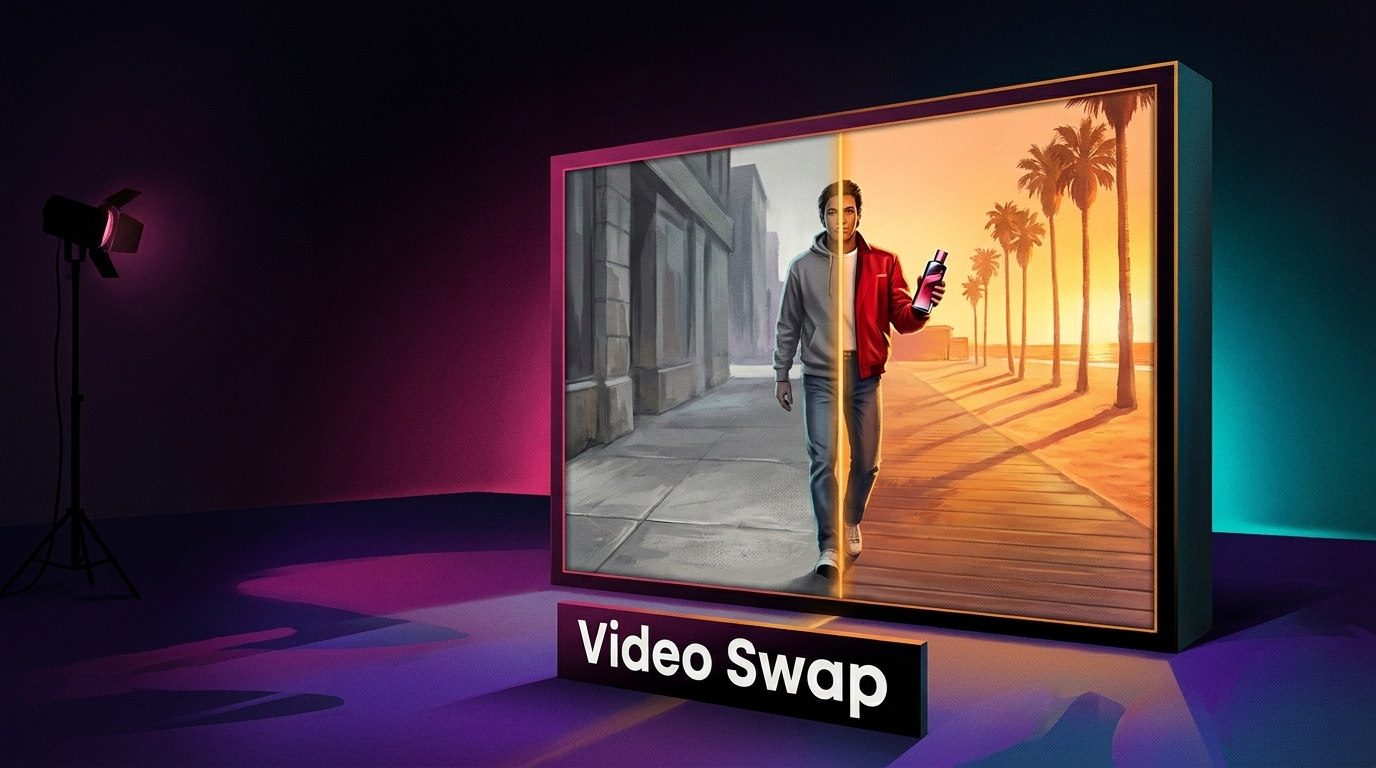
Krea launched Video Swap, a new workflow in Krea Video that replaces people, outfits, products, objects or backgrounds in existing footage using up to four reference images. A team can re-cast, re-dress or relocate a shot in one job while the source clip's motion, timing, camera movement and sound carry through, without a full re-render.
Up to four references per job. Krea works out what each reference replaces, and a prompt is only needed to state a specific mapping, such as "@Image2 replaces the man on the left."
Three model options. Standard and Lite handle general swaps of people, products, clothing and settings, while Recast swaps people only.
Priced by the clip. Each job costs the chosen model's rate for the source length, plus a per-second swap fee on Standard and Lite.
Web and API access. Video Swap runs in the Krea Video interface and through a REST endpoint for automated pipelines.
Three models set clip length, resolution and what Video Swap can change
Each job runs on one of three models, and that choice decides how long the source can be and what the swap can touch, according to Krea's API documentation.
Krea's Video Swap announcement title card. Image: X (formerly Twitter)
Standard. Runs on ByteDance's Seedance 2.5 and accepts source videos of 4 to 29 seconds.
Lite. Runs on a Wan model (wan30 in the API) and takes 4 to 15 second sources for shorter edits.
Recast. Runs on a MiniMax recast model and swaps people only, with one reference photo per new person assigned from left to right. It accepts 5 to 30 second sources with no single shot over 15 seconds and renders at 768p or 1080p.
Standard and Lite output at 480p, 720p or 1080p and cover people, products, objects, clothing and backgrounds, AlphaSignal reports. Recast leaves backgrounds and props intact, so a scene change calls for Standard or Lite.
Per-second swap fees add to the model rate, with no separate subscription
Video Swap needs no separate subscription, per AlphaSignal, so the final charge depends on mode, clip length and output settings.
Beyond the Krea Video interface, developers can call the REST endpoint /generate/video/krea/video-swap, which returns a job ID, status and progress value.
Krea Agent also includes Video Swap templates, per AlphaSignal, for production uses such as:
Ad variants. Different performers and settings around the original product footage.
Product reuse. One unboxing format repeated across several products.
Localization. A campaign adapted by changing talent, clothing, products or backdrops.
Previs. Footage shot with stand-ins that get replaced later.
Recurring characters. A mascot added to live-action advertising.
One job can swap a performer, outfit and setting, but prompts can't time edits and long footage needs splitting
Krea already offered Wan 2.2 Animate Replace on its platform. That tool swaps an entire person, including body and clothing, while keeping the background, lighting and camera movement, per AlphaSignal.
Video Swap applies several references to different elements in one job, so a performer, their outfit and the setting can change in a single generation. Two limits shape where it fits in a pipeline:
No timeline control. Prompts clarify which reference maps to which subject but can't restrict a swap to, for example, the second half of a clip, according to AlphaSignal.
Long footage needs splitting. Footage beyond each mode's length cap has to be cut into supported segments, which can add continuity work at the boundaries.
Kling AI launched Kling Image 4.0, a new image generation model that outputs stills at native 8K resolution and can return sets of up to 10 consistent images from a single prompt. Kling says it plans each set as a who…
Adobe previewed local MCP integrations that will let creative professionals direct their own third-party AI agents to edit native project files in Photoshop, Illustrator, Premiere and After Effects, arriving in privat…
Adobe added Relight to Photoshop Desktop, a generative AI feature that changes an image's lighting with up to three interactive lights you place and tune before generating, according to Adobe Research's MAX roundup. P…