Photoshop Gets Relight for Up to Three Adjustable Lights as Premiere Adds Generated Sound Effects, Music and Soundscapes
VP Land
Nov 14, 2026 · 4 min read
Adobe added Relight to Photoshop Desktop, a generative AI feature that changes an image's lighting with up to three interactive lights you place and tune before generating, according to Adobe Research's MAX roundup. Premiere Desktop adds a Generative Media Tool that builds sound effects, footage-matched music and four-track soundscapes on the editing timeline, so lighting and sound design stay inside the apps where the work already happens.
Relight is set up by hand before the AI runs. It works as a relight layer where you test each light's position, intensity, color and diffusion, then activate the generative step. Relight is available now in Photoshop.
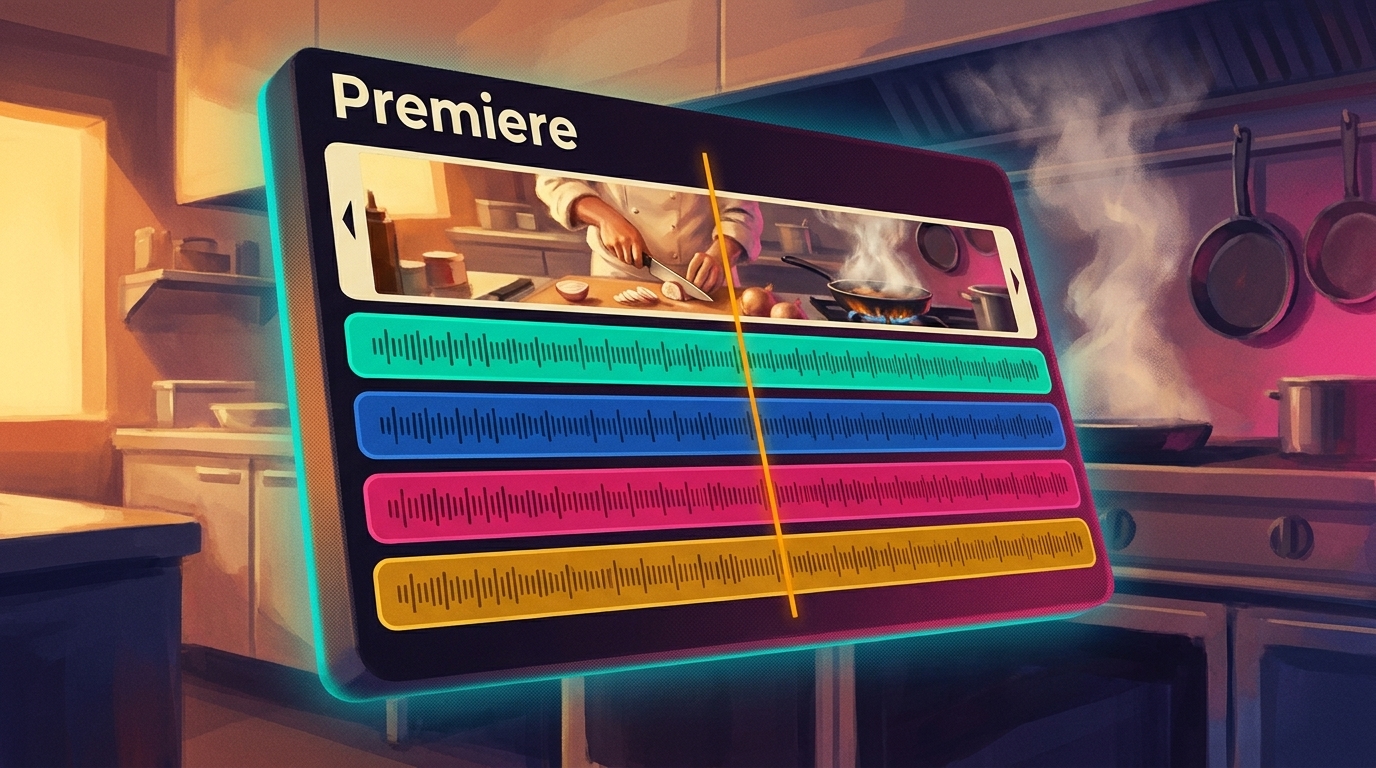
Soundscapes arrive as four separate tracks. Generate Soundscape analyzes a clip's action and atmosphere and outputs four synchronized, editable tracks, so each layer can be edited on its own.
Music is generated from the footage itself. Adobe's Generate Music feature can write its own prompt from your video, then lets you revise tracks to match mood and pacing. It is also free in Adobe Firefly.
Sound effects come from text prompts. You generate individual effects, sync them to on-screen action and refine them without leaving the edit.
Multi-shot video control is still a preview. The experimental Project Scene Sweep applies a text prompt or one edited frame across a multi-shot sequence while keeping the original performance and pacing.
Relight puts up to three adjustable lights in a Photoshop layer before generating
Relight adds up to three interactive lights to a scene to change an image's lighting. Because it operates as a relight layer, you can test each light's placement, brightness, color and diffusion before the generative AI function runs.
Adobe Research says Relight moved from a MAX Sneak to a Photoshop feature in a year. Photoshop's Relight appears in Adobe's Creative Cloud announcement alongside Generative Restyle.
Adobe Research contributed to more than 50 features shown at MAX across Adobe's creative apps, and Relight is one of the tools built to give users more control over generated images.
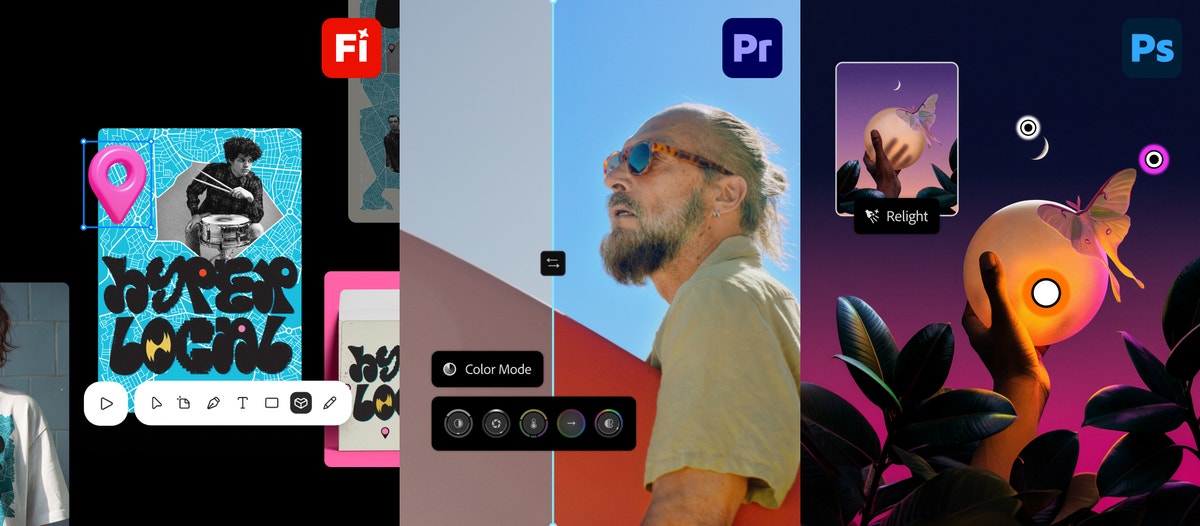
Creative Cloud updates launched at MAX, including a Photoshop Relight scene alongside Premiere's Color Mode and a Firefly poster design. Image: blog.adobe.com
Premiere's Generative Media Tool keeps sound effects, music and ambience on the timeline
Inside Adobe Premiere, the Generative Media Tool brings audio generation onto the editing timeline, so effects, music and ambience are built around the footage you are cutting.
Generate Music works from your own prompt or one generated from the footage, and you can listen, revise and fine-tune tracks before adding them to the timeline. Adobe describes the output as commercially safe.
Generate Soundscape, co-developed by Adobe Research and the Premiere Desktop team, builds layered audio by reading what is happening in the shot. Adobe's chef demo splits into four tracks:
Busy Kitchen Atmosphere (ambience)
Kitchen Equipment & Steam (ambience)
Knife Chopping Onions (foreground)
Sizzling Onions & Garlic (foreground)
Adobe Research also lists EnhanceAudio, in Firefly and Premiere, for rebalancing a video's ambience, music, sound effects and dialogue.
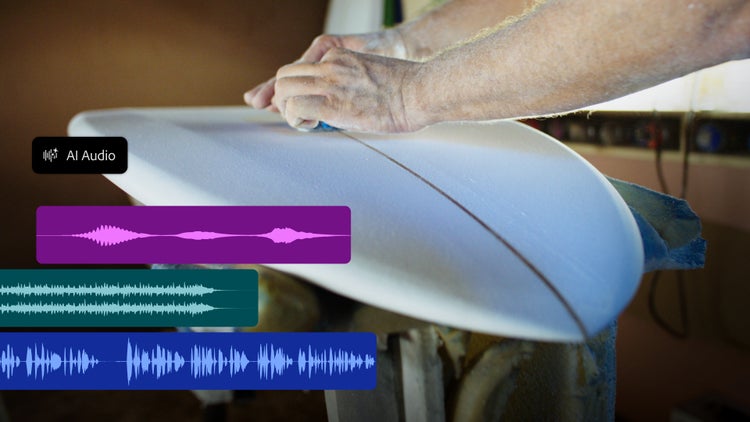
Enhance Audio gives control over a clip's ambience, music, sound effects and dialogue so each can be rebalanced. Image: blog.adobe.com
Separate Crosstalk isolates a moment where two speakers talk over each other on a single recording, so you can fix it instead of rerecording.
The audio tools join the multi-model generative media we covered on Premiere's timeline, and Adobe is previewing local MCP integrations that will let third-party agents work directly in Premiere project files.
Scene Sweep, Live Set and Sound Bender preview more control over video and sound
Scene Sweep targets long-form, multi-shot video, so you can recast characters, relocate a story or restyle a sequence across cuts and camera angles. Set-to-set editing propagates a single edit across a gallery of related clips.
According to Adobe's Sneaks overview, Scene Sweep understands characters, locations and scenes across a sequence, so a decision made once carries through the scene.
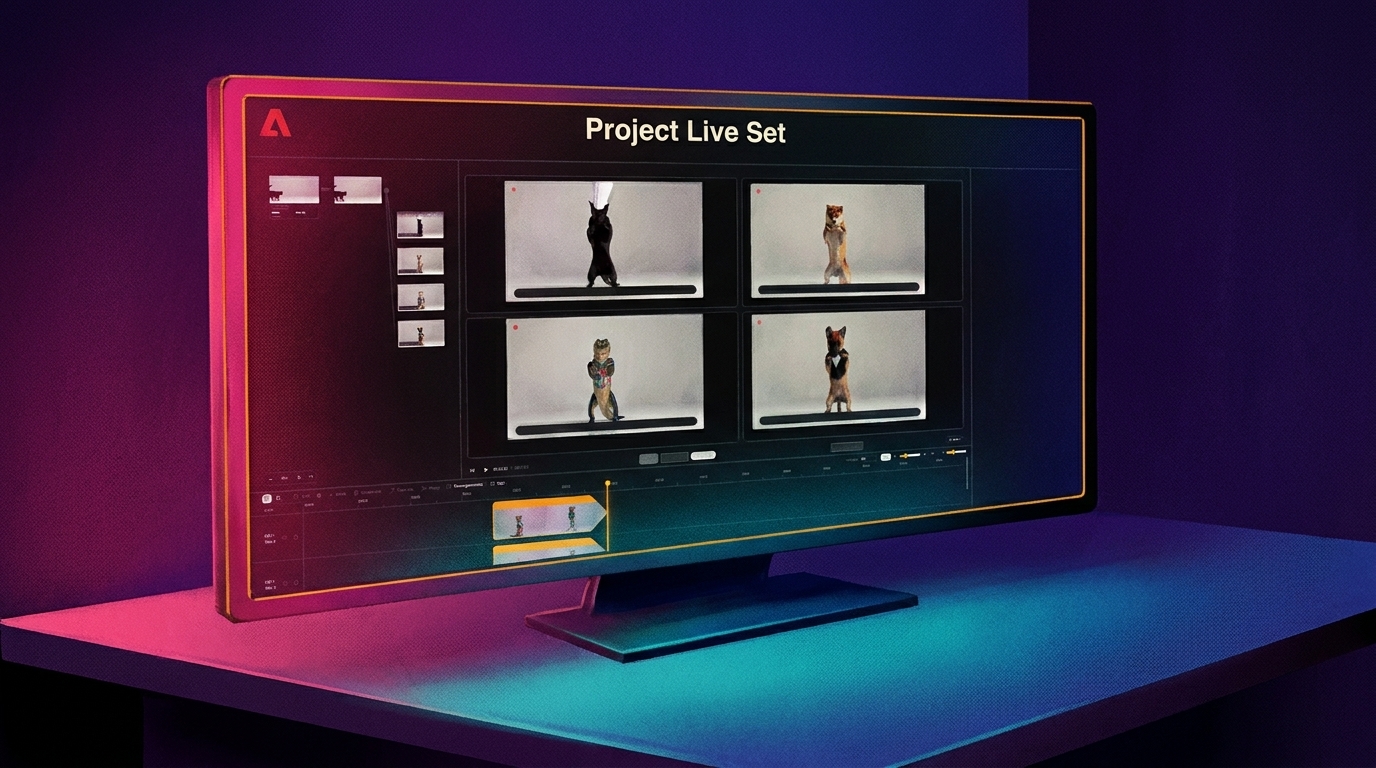
Adobe's Project Live Set turns video into a directable canvas where you can generate, restyle, add reference subjects, propagate changes and redirect the camera while the video plays.
Project Sound Bender pulls any sound out of a finished mix from a text description, then lets you reshape it in real time on an interactive Sound Canvas. It sits next to the audio separation tools we previously reported Adobe adding to its apps.
All three are Sneaks, experimental technologies Adobe says could make their way into its products, with no release timing given. Adobe says some Sneaks are open for hands-on testing in its new Adobe Labs Playground.
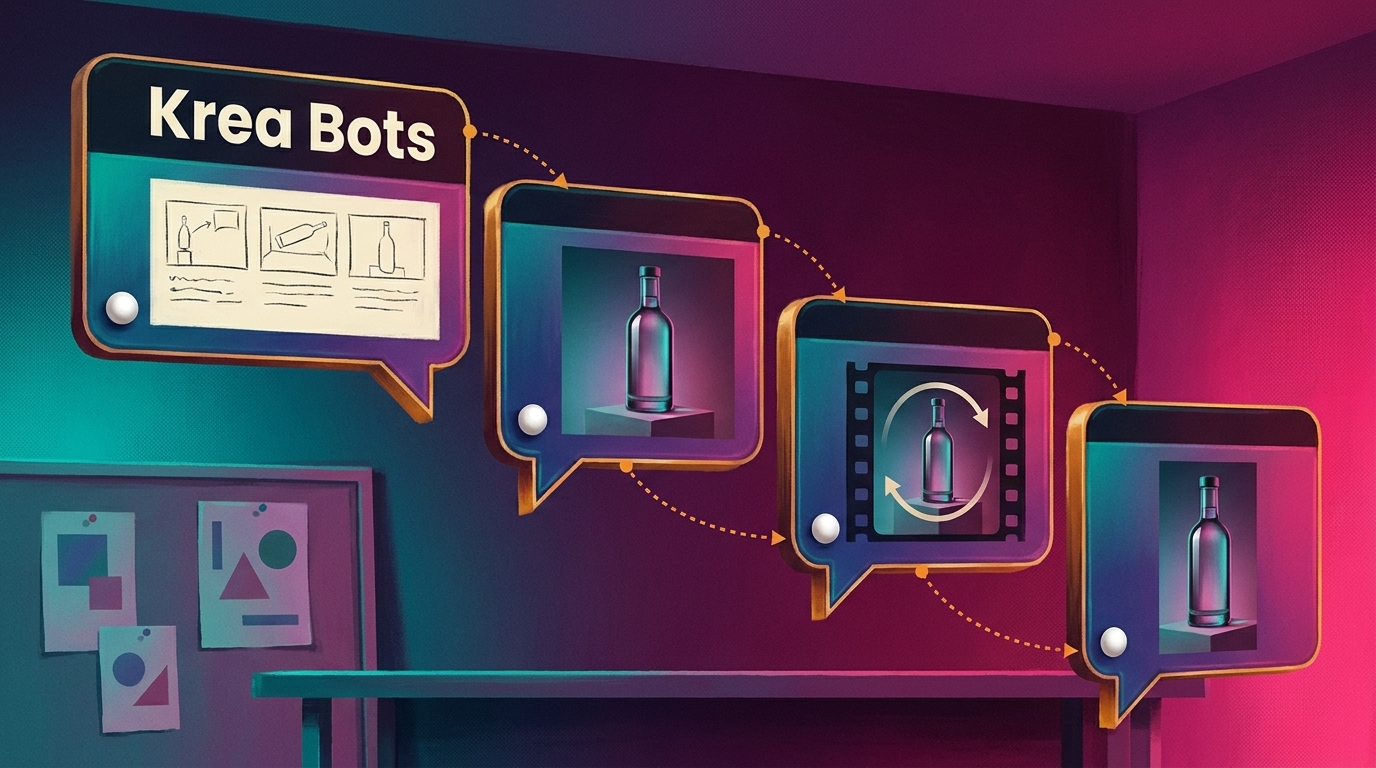
Krea launched a beta of Krea Bots, AI agents that take on entire creative projects and adapt to a team's taste as people collaborate with them, per its announcement on X. Each bot handles one craft inside a shared tea…
World Labs opened its Atlas world model to the public, adding two web apps, Viewfinder and Chisel, plus the API endpoints that power them, the company posted on X. Anyone can now build a 3D world from a single image,…
Adobe debuted Project Live Set, an early research preview that lets editors change a subject, transform an environment, introduce a reference character or redirect the camera on an existing clip, then see the result i…