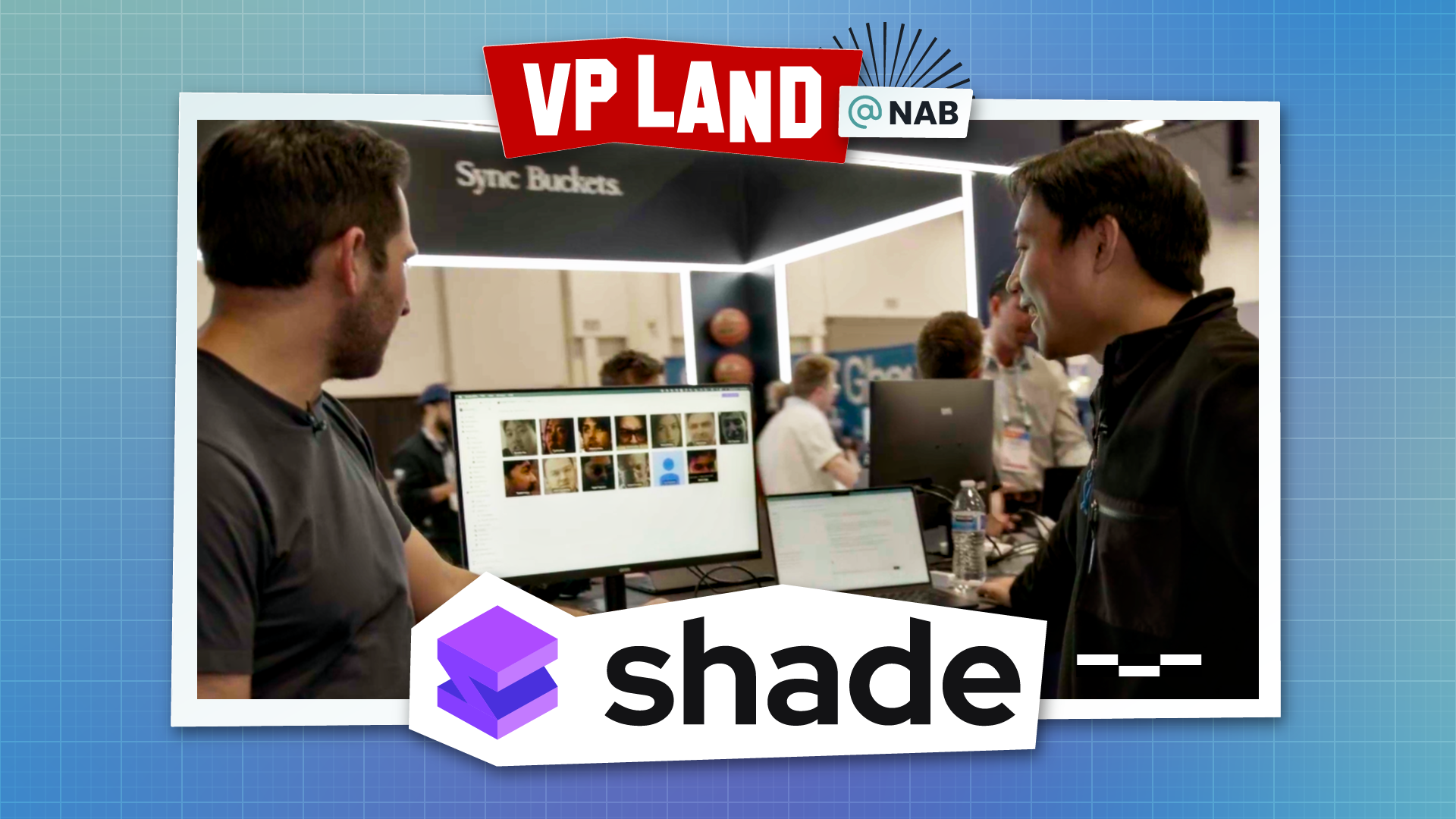
The mount works with Premiere, DaVinci Resolve, Avid, and Premiere Productions. Multiple editors can mount and work from the same drive simultaneously. Fan demonstrated a live collaborative edit happening between New York and the NAB show floor.
AI Search That Understands Your Content
Every file uploaded to Shade gets automatically analyzed. The AI chunks longer videos into segments, transcribes audio, identifies faces, and tags content semantically. A search for "person skiing while holding a laptop" returns the exact moment that content appears.
Where Shade gets more interesting is custom metadata. Teams can define their own schemas: a car brand can model their fleet, a shampoo brand can model their product SKUs. The AI then uses those custom definitions to tag incoming footage automatically. Later, a search for "every shot with this specific car model" returns accurate results.
Facial recognition is built in. The search algorithm combines transcript data, face identification, custom metadata tags, and semantic understanding to locate specific moments across an entire library.
Automations and Workflows
Shade is launching an automations platform that monitors folders and triggers actions: auto-generate edit-ready proxies when new footage lands, route files through multi-step review chains, or send share links to clients after approval.
The web portal handles sharing, collections, and branded client environments. Links, upload portals, and download pages all live in the same space where the team edits and searches.
MCP Integration for Agentic Workflows
Shade built its own MCP server. Every operation, from searching files to creating automations to managing custom objects, is accessible to external AI agents. Fan described a workflow where he passed NAB footage into an LLM and asked it to create an initial stringout. The LLM output an XML file, dropped it into the Shade mount, and editors at home started cutting immediately.
The combination of a mountable file system with a rich metadata store is what makes this work. An AI agent can search Shade for specific content, pull files via the mount, and output results back into the same filesystem where editors are already working.
Storage and Pricing
Shade supports any S3-compatible backend including Wasabi, Backblaze, and AWS S3, though they recommend their own globally distributed storage for performance. An archive tier moves completed projects to cheaper storage while retaining all metadata.
The growth plan starts at $35 per seat per month with 500 GB of included storage. Additional storage starts at $40 per terabyte per month. An archive tier is available at $20 per terabyte per month. Everything is included in the per-seat price: AI tagging, search, automations, and MCP access.
Shade combines a mountable cloud drive with AI tagging, custom metadata, and an MCP server so creative teams can find any clip in seconds.