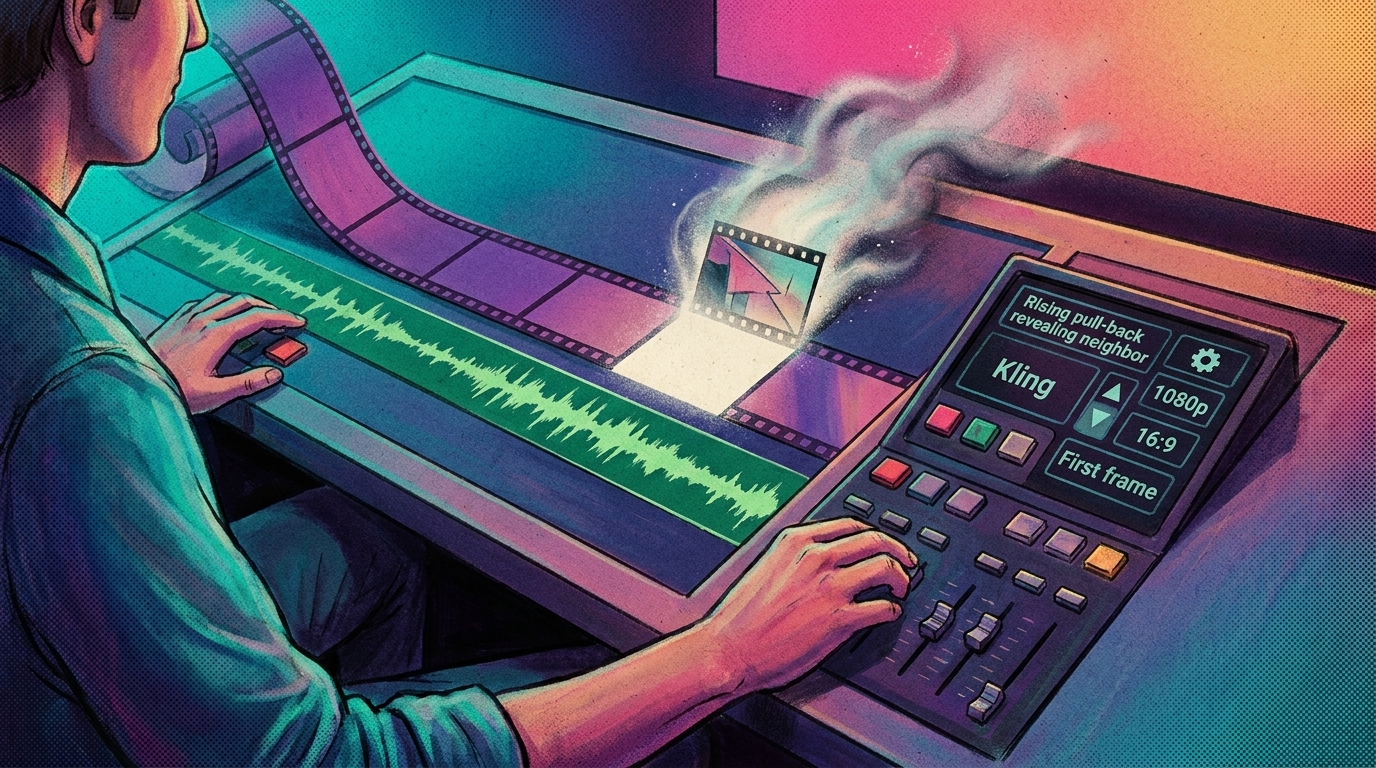
Adobe announced a generative media tool for Premiere that lets editors select a gap in the timeline, describe the video or audio they need, and generate a clip the company says fits the surrounding shots. The same announcement also brings an After Effects AI Assistant to public beta, plus a group of AI audio tools for splitting and cleaning tracks.
- The generative tool works on video, audio, or both in one gap. An editor marks the empty span, types what is needed, and Adobe says the result is generated to match the surrounding edit.
- Partner models sit next to Firefly in the panel. Adobe's demo shows a model picker listing Firefly Video alongside Veo 3.1, Kling 3.0, and Runway Gen-4.5.
- The After Effects AI Assistant is a public beta. Adobe says motion designers can describe tasks in plain language, including reorganizing projects with thousands of layers.
- The AI audio tools split and clean tracks. Adobe says they separate sound sources, adjust reverb, remove unlicensed music, and split overlapping dialogue into independent tracks, though it did not specify a release status.
Generative Media fills a selected timeline gap with described video or audio
Adobe says an editor marks an empty gap on the timeline, describes the shot or sound, and the tool generates media meant to match the surrounding context. Because the gap can hold video, audio, or both, a missing shot and its room tone can come from the same prompt.
The generation panel routes prompts beyond Adobe's own model. Adobe's demo shows a picker with Firefly Video listed next to partner models Veo 3.1, Kling 3.0, and Runway Gen-4.5.
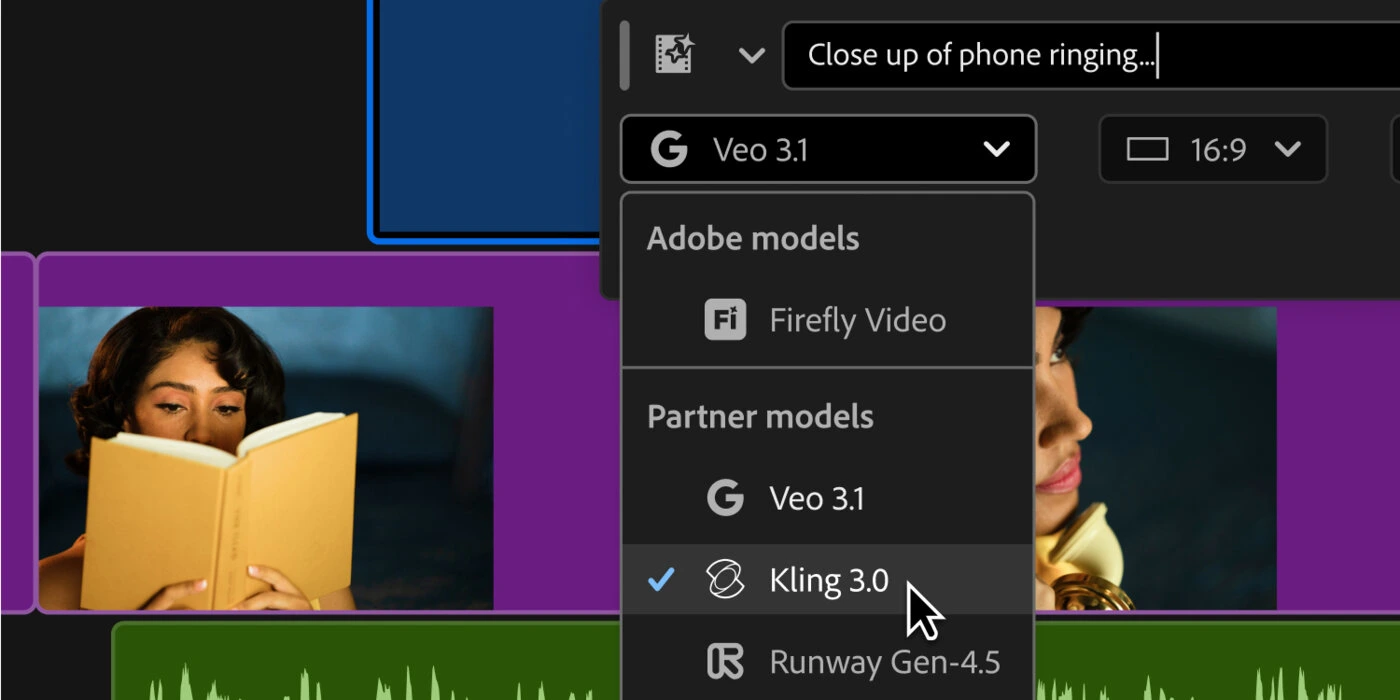
The generative panel's model picker lists Firefly Video alongside partner models Veo 3.1, Kling 3.0, and Runway Gen-4.5. Credit: Adobe.
The tool generates audio the same way. Adobe's demo shows a text prompt producing a sound effect that renders directly onto a timeline waveform.
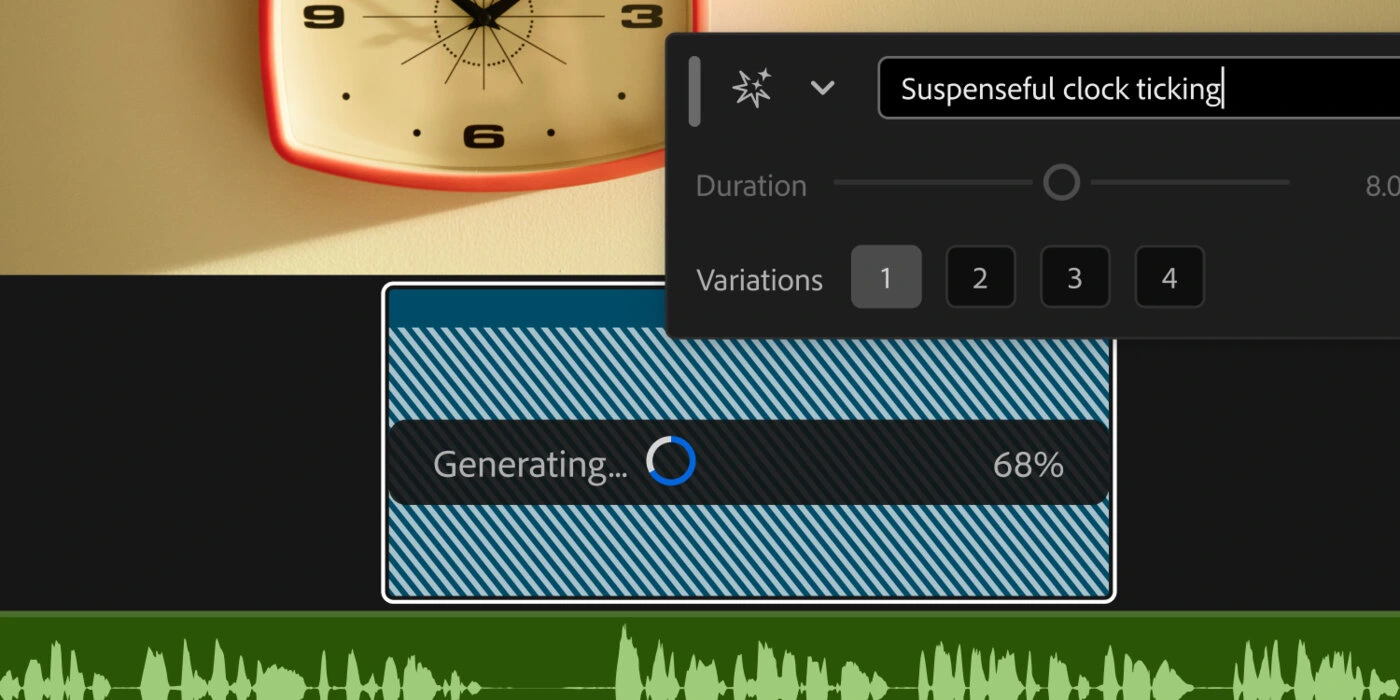
Generating a suspenseful clock-tick sound effect against a timeline waveform. Credit: Adobe.
Adobe presented these results in its own demo, so how closely the clips match real footage inside a working edit is not yet independently confirmed. Adobe did not specify when the generative tool ships.
The After Effects AI Assistant edits layers and writes expressions from plain-language prompts
The After Effects AI Assistant is a public beta. Adobe says a motion designer can describe a task in natural language and have the assistant carry it out, including reorganizing projects that run to thousands of layers.
Adobe also says the assistant can build motion effects and write expressions without the designer writing any code. AI helpers have also reached After Effects through third-party plugins.
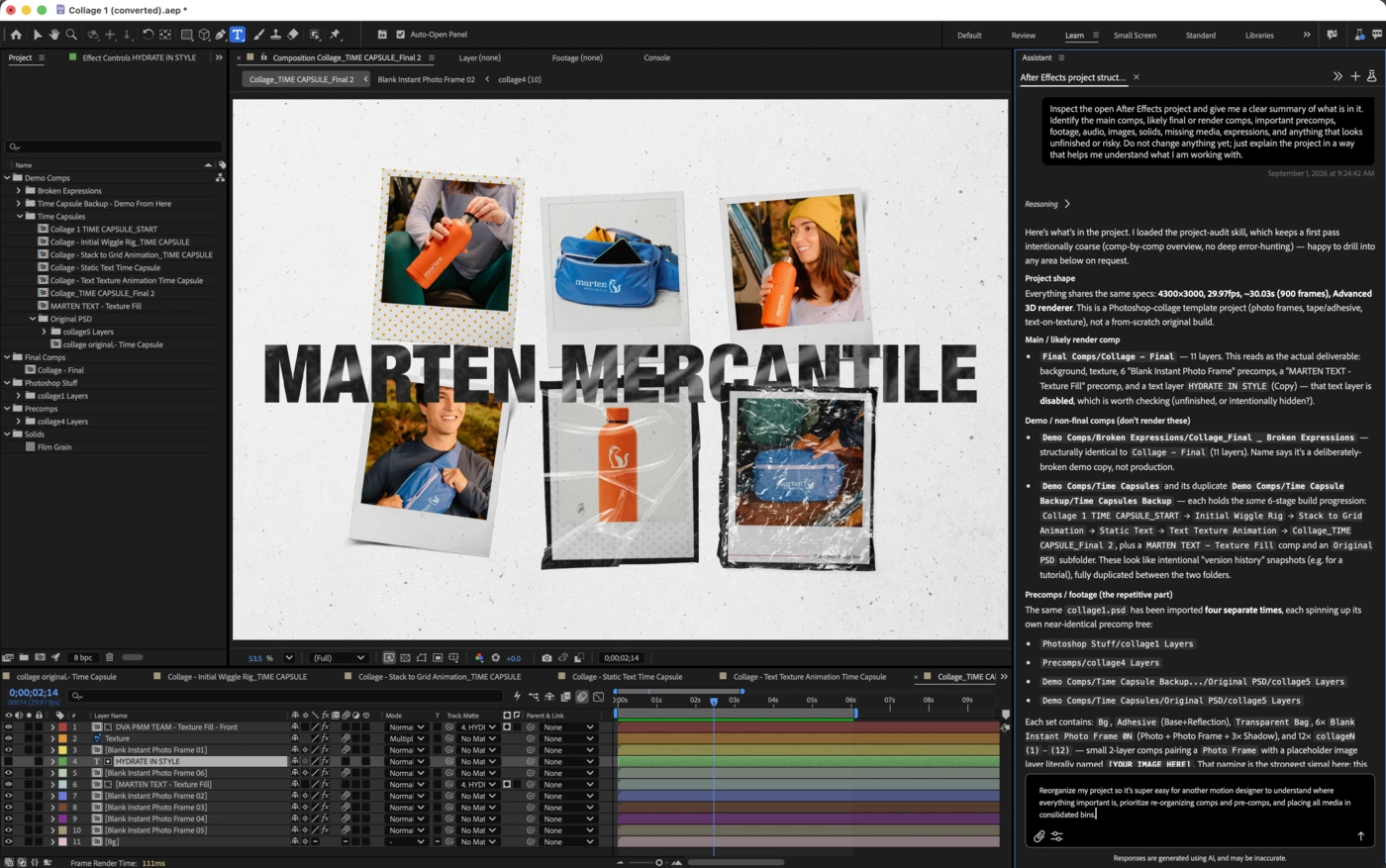
The After Effects AI Assistant panel responding to typed prompts on a layered collage project. Credit: Adobe.
AI audio tools separate sources and remove unlicensed music
Adobe describes a set of AI audio tools that pull apart a mixed track. Adobe says the tools separate individual sound sources, adjust reverb, and remove unwanted elements such as unlicensed music.
They can also split overlapping dialogue into independent tracks, so two people talking over each other can be mixed and edited separately. These audio features extend Adobe's AI-powered Premiere work. Adobe did not state whether the audio tools are released or in beta.
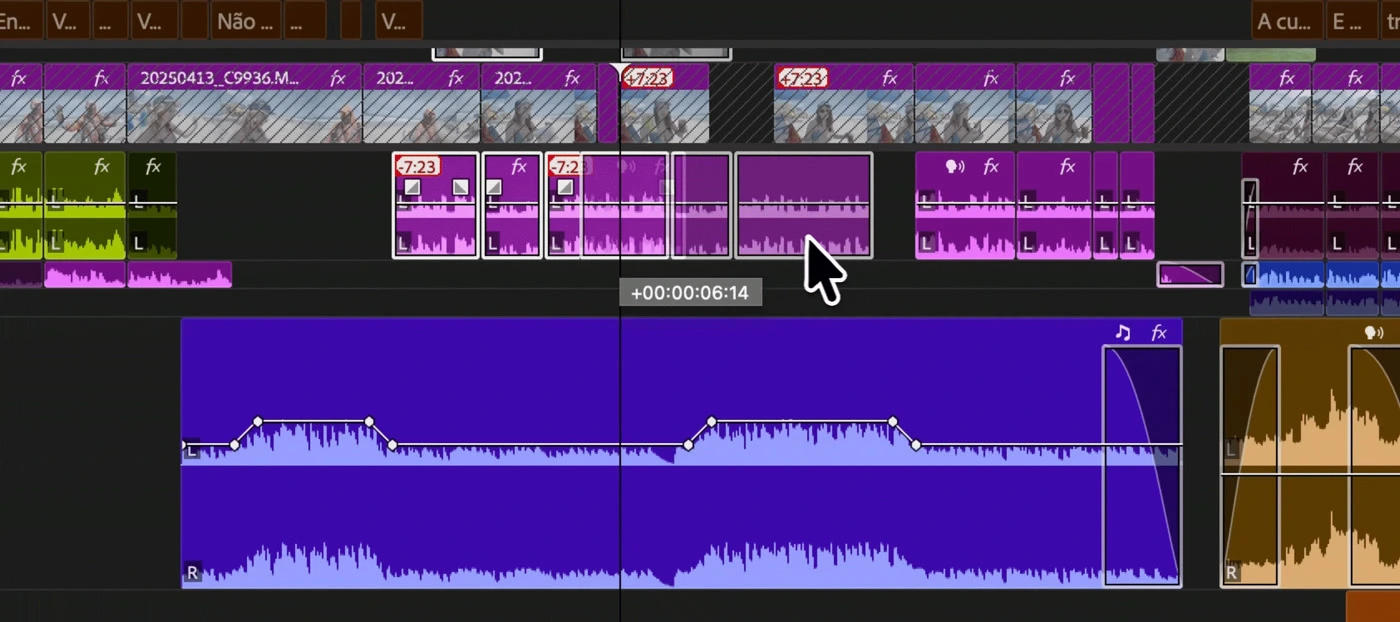
Separate audio tracks with waveforms and volume automation on a Premiere timeline. Credit: Adobe.