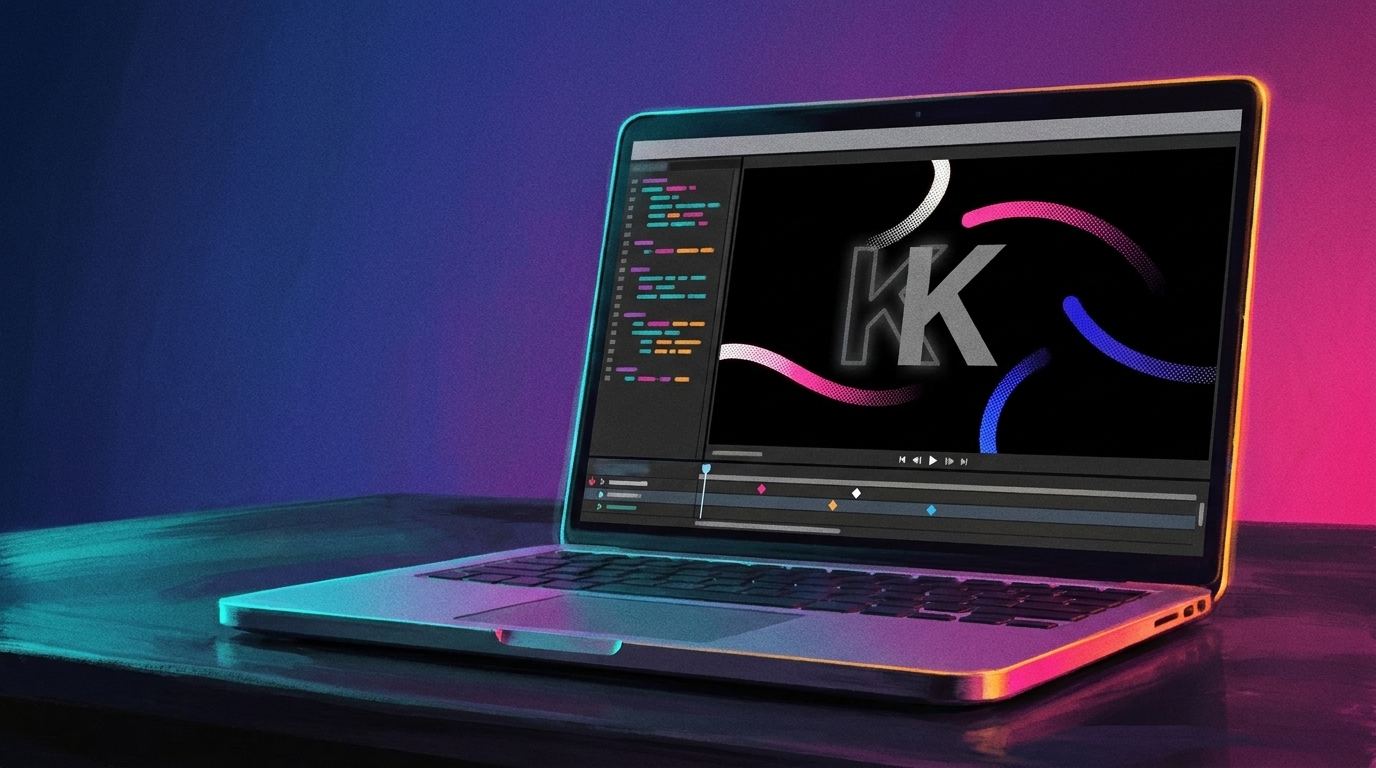
Krea launched Krea Motion, a new motion graphics editor that packages its AI workflows into ready-made presets, and the company says it's free to try. According to AlphaSignal, the editor builds kinetic typography, interface animations and animated charts by writing each scene as code instead of generating video frames, which should keep letterforms, logos and numbers stable across a clip.
- A Claude model writes the scenes. The editor runs on Claude Fable 5.2 rather than a diffusion video model, AlphaSignal reports.
- Start from a preset or a prompt. According to AlphaSignal's report, you pick one of dozens of presets, describe the content and motion, then refine with prompts, or skip presets and start from a prompt.
- Coding agents can call it. A native MCP server lets Claude Code, Cursor and other compatible clients request animations from inside a project.
- Free to try, with limits undocumented. Krea says anyone can try it for free, while usage limits, long-term pricing and export settings remain unspecified, per AlphaSignal.
Krea Motion writes animation as code so type and data hold their shape
Krea says it spent weeks designing workflows for generating motion graphics with AI, and Krea Motion puts those workflows in one editor. The language model behind it comes from AI lab Anthropic, and per AlphaSignal it writes the scene rather than a video model painting pixels.
Diffusion video models infer pixels across frames, AlphaSignal notes, and that can distort logos, letterforms, interface elements and numeric labels over time.
In a code-driven scene, text, shapes, values, transitions and timing are explicit objects. By AlphaSignal's account, once a usable scene exists the renderer can reproduce its frames without drift and handle resolution changes more naturally, though Krea hasn't documented its export settings.
Reproducibility has a limit. The language model is still probabilistic, so the same prompt can produce different code, while re-rendering an existing scene should stay stable.
An MCP server lets Claude Code and Cursor request animations
The Krea Motion editor ships with a native Model Context Protocol server, so an agent such as Claude Code or Cursor can call it with the context of the repository it's working in. AlphaSignal outlines a typical loop:
- The agent reads copy, labels or structured data from the workspace.
- It turns that material into an animation request.
- It calls Krea Motion through the MCP server.
- You review and refine the generated scene in the browser editor.
AlphaSignal suggests a team could use that flow to animate release metrics, generate a title sequence from campaign copy, or chart data already stored in a repository. The motion asset then stays inside an agent-assisted pipeline instead of becoming a separate request handed to a designer.
Built for title cards and charts, with Krea's video models covering footage
Krea Motion suits bounded scenes dominated by vectors, text and data, such as product explainer loops, animated headlines for social clips, dashboard transitions and interface concept reels, per AlphaSignal. We've also covered Vibemotion's one-prompt platform, another AI motion graphics tool.
For a title card or simple bar chart that would otherwise mean opening After Effects, AlphaSignal suggests teams may cut setup and iteration time.
Generated scenes still need a human pass for clipped text, incorrect values, weak easing, inaccessible color choices and layouts that break at other aspect ratios. Organic textures, hand-drawn movement, elaborate compositing and freeform animation remain hard to express as generated code.
Photorealistic footage, characters and cinematic shots stay with the rest of Krea's creative suite, which includes image and video models plus integrations for After Effects, Photoshop, Premiere Pro, DaVinci Resolve and Blender.
Its Motion Transfer feature uses Runway Act-2 for character animation, and we previously covered Krea's Video Swap tool, which replaces people, products and backgrounds while keeping a clip's motion and sound.