About Gemini
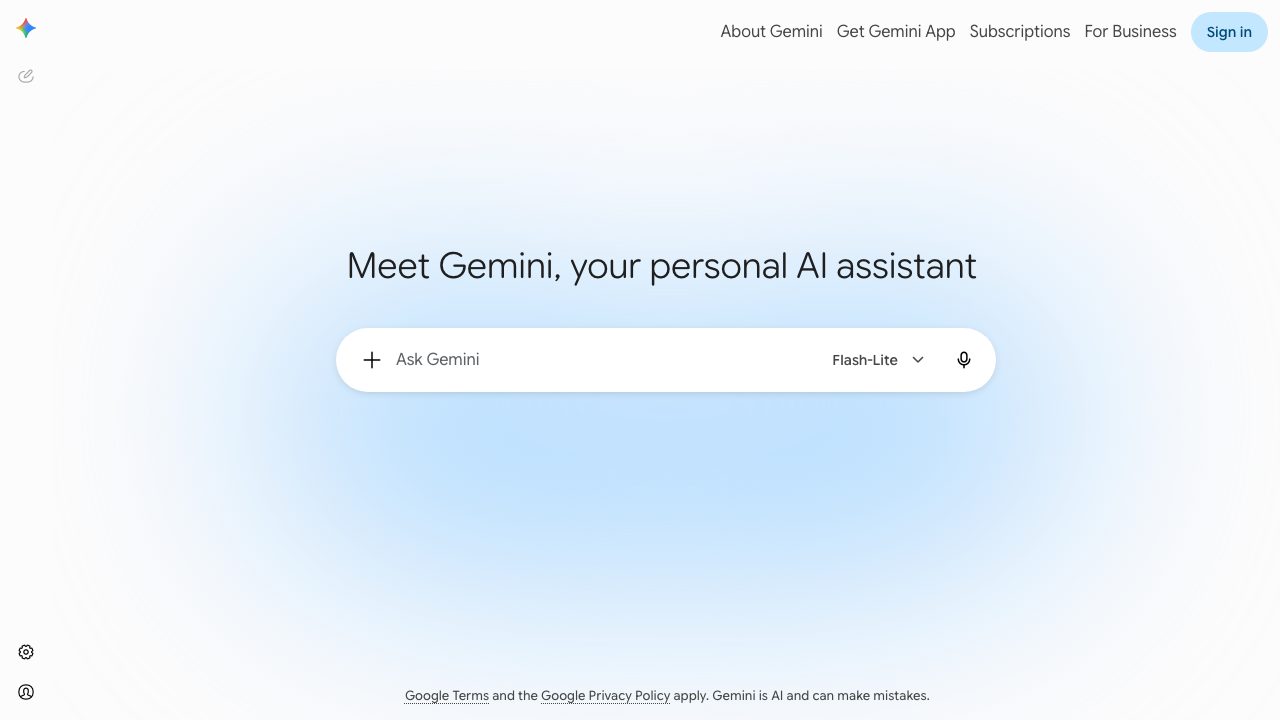
Gemini is Google’s flagship generative AI assistant, available as a web app, mobile apps, and a set of underlying models that power experiences across Google products. At gemini.google.com and in the Gemini mobile apps, users interact with Gemini through a conversational interface to draft and refine text, analyze and generate images, write and debug code, summarize documents and web pages, and plan tasks such as trips, projects, or content calendars. Gemini is built on Google’s Gemini model family (Nano, Pro, Ultra, Flash), which are multimodal models that can work with text, code, and images in a single prompt.
In day‑to‑day use, Gemini works like a chat assistant with additional context from your workspace and device when you grant permission. On the web, you can upload files or images, ask questions, and get structured outputs such as step-by-step instructions, tables, or code snippets. On Android and iOS, Gemini can overlay your screen or run in its own app, where it can summarize on‑screen content, help compose messages, and automate multi-step tasks. Google has also started rolling out Gemini in Chrome and Gemini Intelligence on Android, which use the same underlying models to summarize pages, fill forms, help with research, and create custom widgets, making Gemini more proactive inside the browser and OS environment.
Gemini is designed for a broad audience: consumers who want help with writing, learning, and everyday tasks; creatives who need ideation, image generation, or story outlines; and developers who call the Gemini API for application features like chatbots, code assistants, or AI-enabled websites. For video professionals and other power users, Gemini can support scripting, shot lists, marketing copy, and research, and can hook into Google Workspace to summarize docs, emails, and spreadsheets relevant to a production.
Notable limitations include that Gemini’s primary public interface is still text/chat-centric rather than a full visual editing environment, and its behavior and capabilities can differ between regions, accounts, and device types as features roll out in stages. While the underlying models are multimodal and can reason about images and other inputs, the core consumer assistant does not yet provide native high-resolution video generation, and some integrations (like deep ties to non-Google creative tools) remain limited or experimental. Like all large language models, Gemini can generate errors or hallucinations, so responses need to be reviewed carefully for critical or professional use.